How to edit a Dashboard
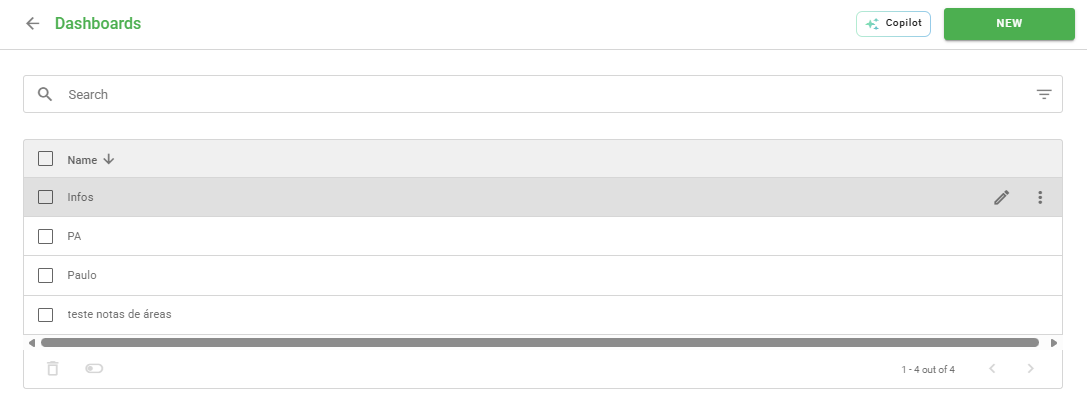
To edit a Dashboard, you need to access the administrative panel and follow the path Settings > Dashboards. When hovering the mouse over the desired Dashboard, the edit icon (pencil) will appear on the right side of the screen.
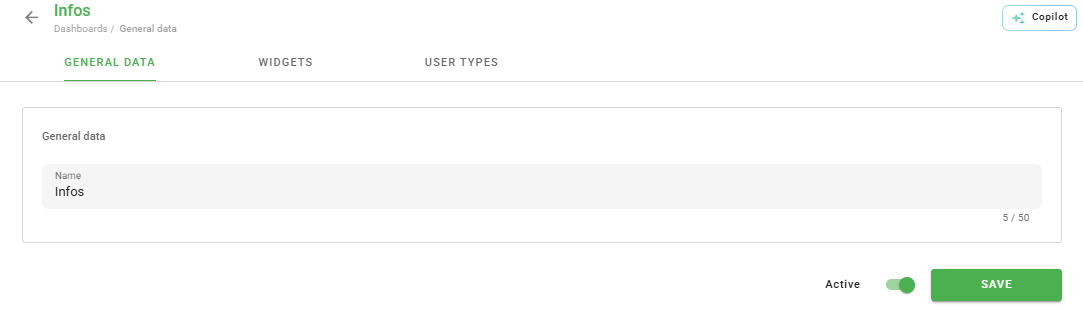
Upon entering the edit mode, you can change all Dashboard information, including the Widget models and configured Links.
How to delete a Dashboard
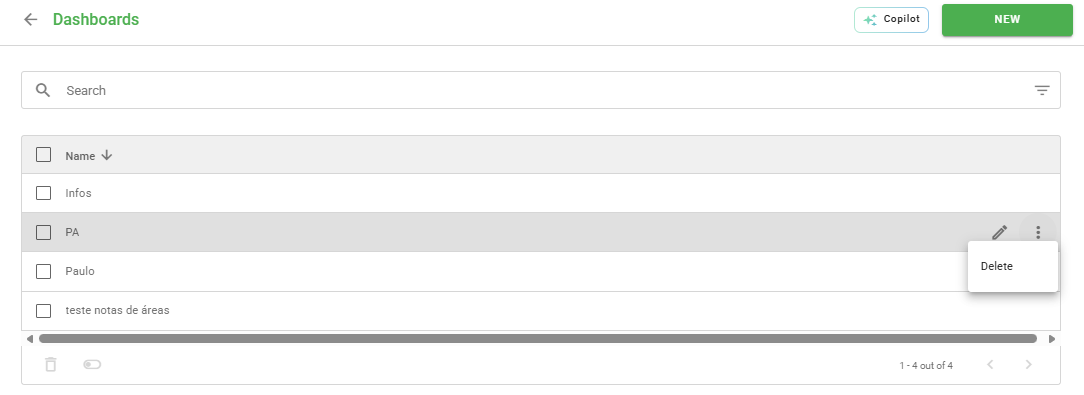
If you need to remove a Dashboard, click on the three dots located on the side of the item and select the Delete option.
Bulk changes
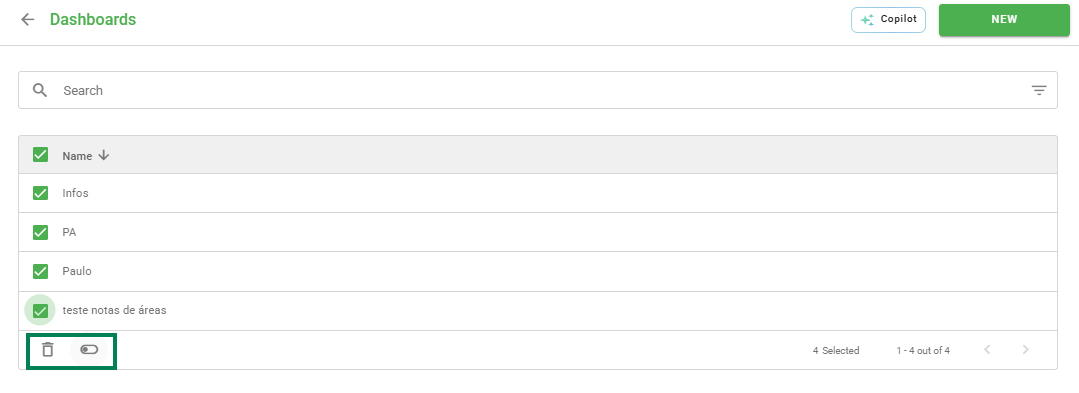
To optimize your time, you can perform changes to several items simultaneously. Select the checkbox next to the "Name" column to mark all Dashboards or select the boxes individually.
When selecting the items, two buttons will be enabled:
- Trash: Deletes all selected Dashboards at once.
- Activate/Deactivate: Changes the visibility status of the selected items.
❓Tem dúvidas? Entre em contato com nosso time de suporte.