What is the Unit Type
The Unit Type is the function that links your units to checklists. It is through this that you define which questionnaires will be available for application, depending on the selected unit.
Basically, only the checklists linked to the same "Unit Type" as the chosen unit will appear on the app screen to be answered.
Correctly organizing unit types ensures that the auditor sees only the checklists relevant to the inspection site, avoiding operational errors.
How to manage Unit Types
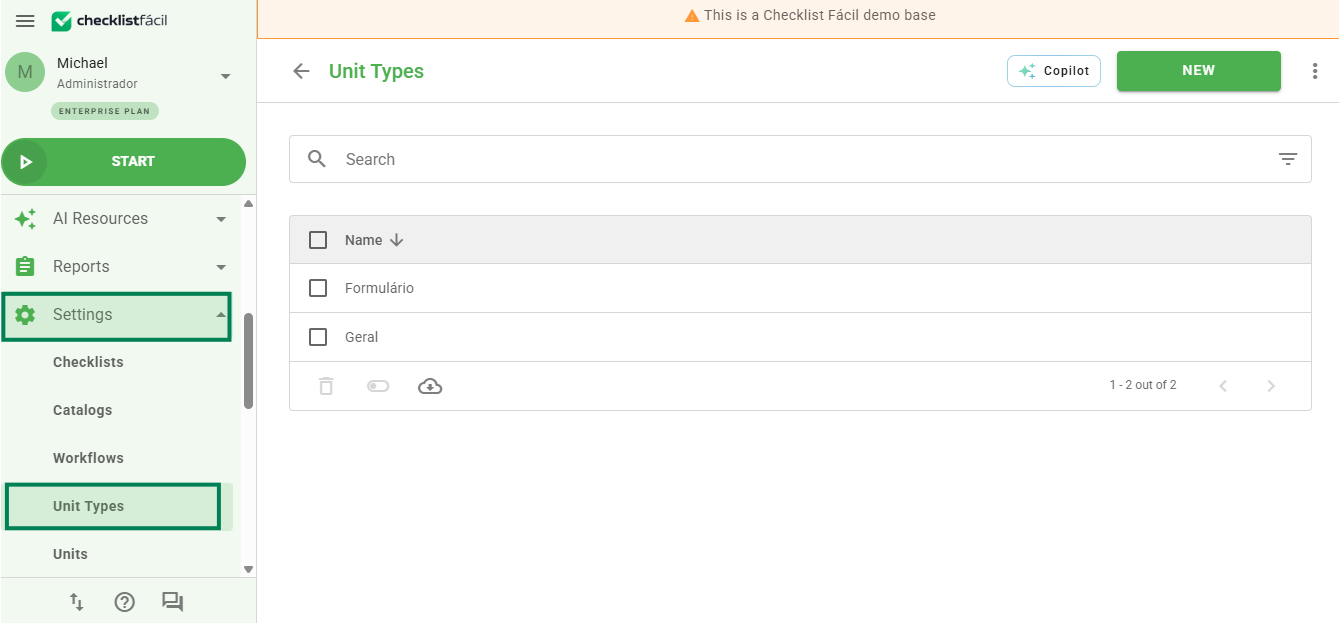
To register a new type, edit, delete, or deactivate an existing one, access the side menu in Settings and click on Unit types.
Configuring registration tabs
When creating or editing a unit type, you will find three main tabs to fill out: Registration Data, Units, and Checklists.
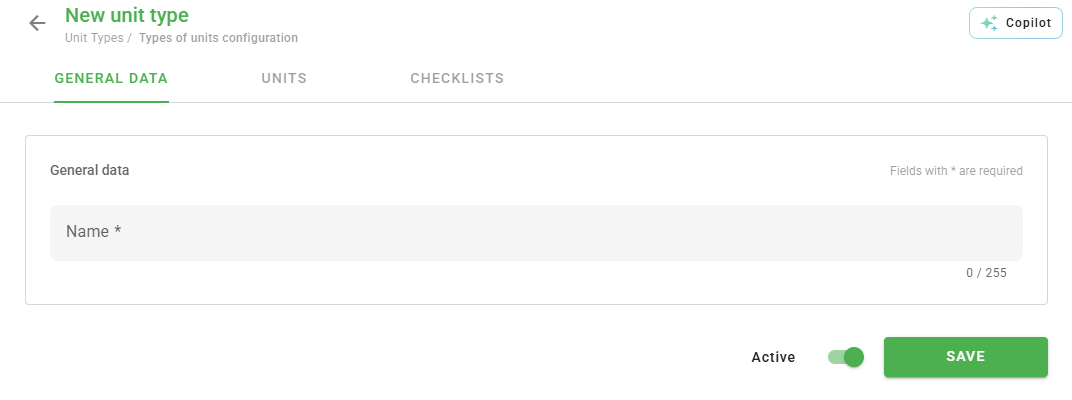
1. Registration Data: In this tab, you define the name of the unit type and the status (whether it will be Active or Not).
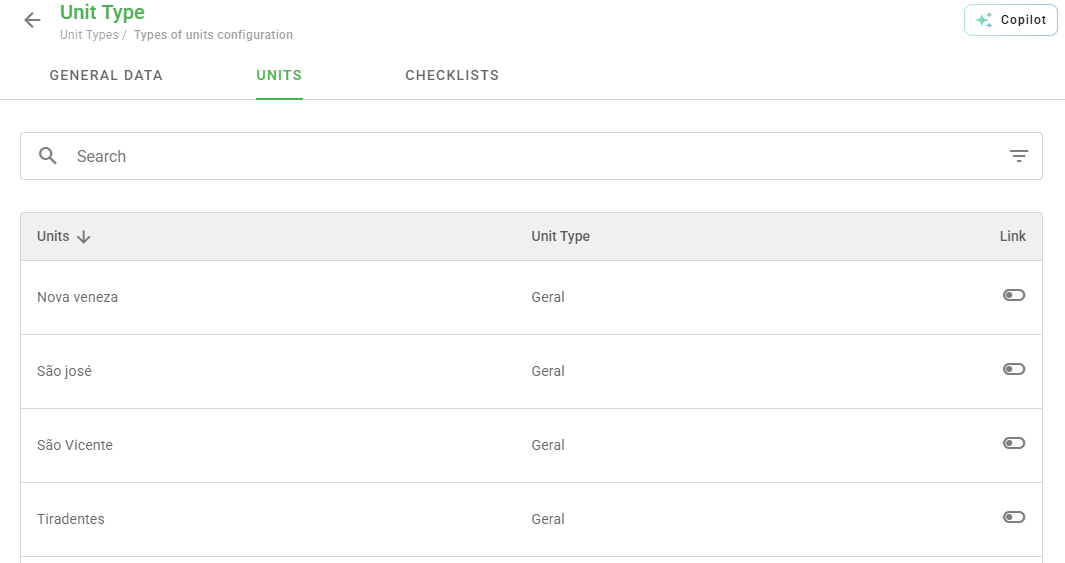
2. Units: Here you perform the link between the unit type and the physical units registered in the system. You can use filters to locate and select multiple units in bulk.
3. Checklists: Similar to the previous tab, this one is responsible for defining which checklist templates belong to this unit type.
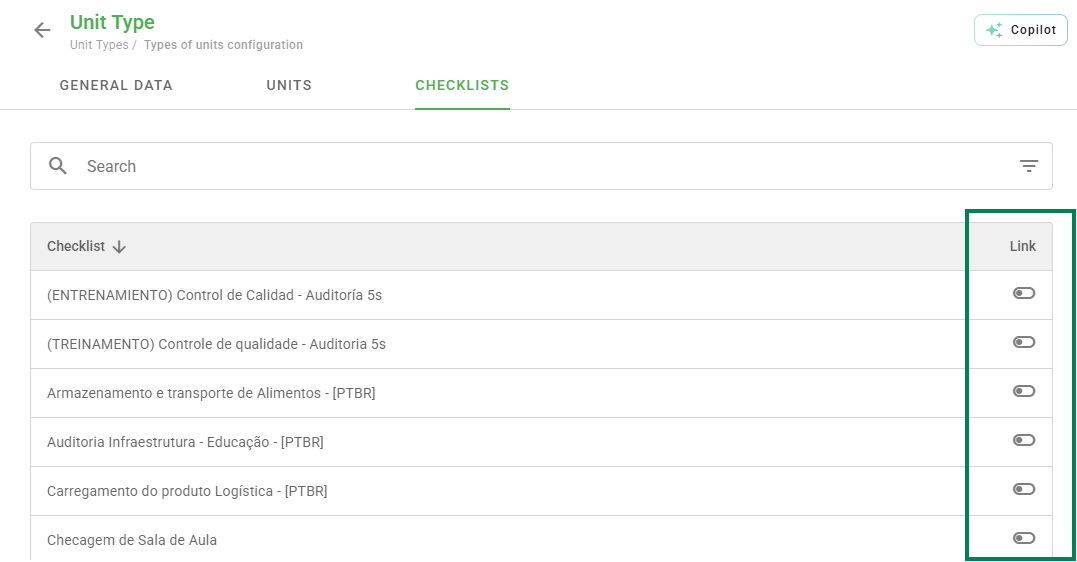
Tip: If you created a new checklist and it does not appear in the app, check if it was marked in this links tab.
❓Tem dúvidas? Entre em contato com nosso time de suporte.