How the export notification works
Now, the system automatically sends notification emails to keep you informed about the progress of your data exports.
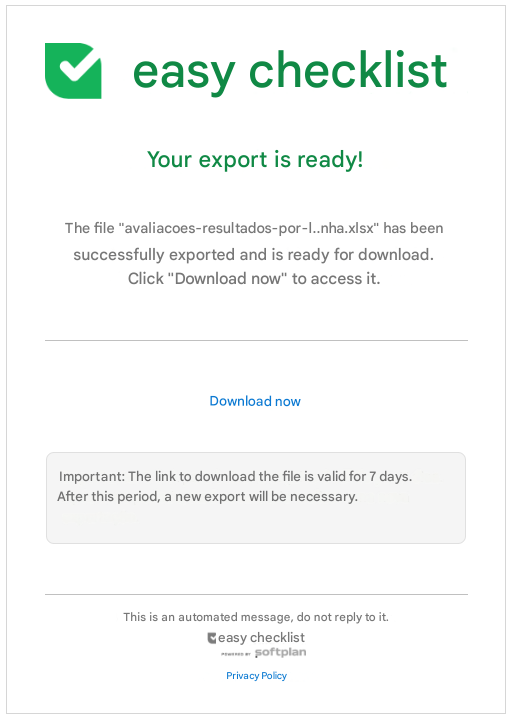
As soon as you request an export and the process is concluded, you will receive an email containing:
- Export status: Confirmation if the process was successfully concluded or if an error occurred;
- Details: Information about the data that was exported;
- Access: The direct link to download the file (or a link to access the platform and verify the problem, in case an error occurred).
If you cannot find the email in your inbox, please also check your Spam or Junk folder.
Frequently Asked Questions (FAQ)
1. Who receives this notification email?
The notification is sent to the email address of the user who performed the export request within the system.
❓Tem dúvidas? Entre em contato com nosso time de suporte.