Before an item can be contested, some adjustments to the checklist settings and permissions of the users involved are first necessary
Adjustments to the Checklist
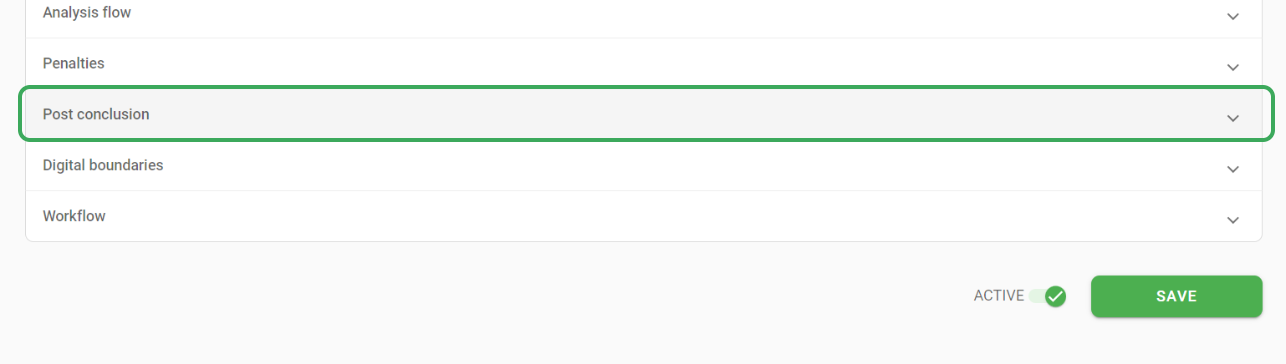
First, you need to enable contestations permission for the checklist, in General data > Post conclusion > Checklist has items that can be contested?
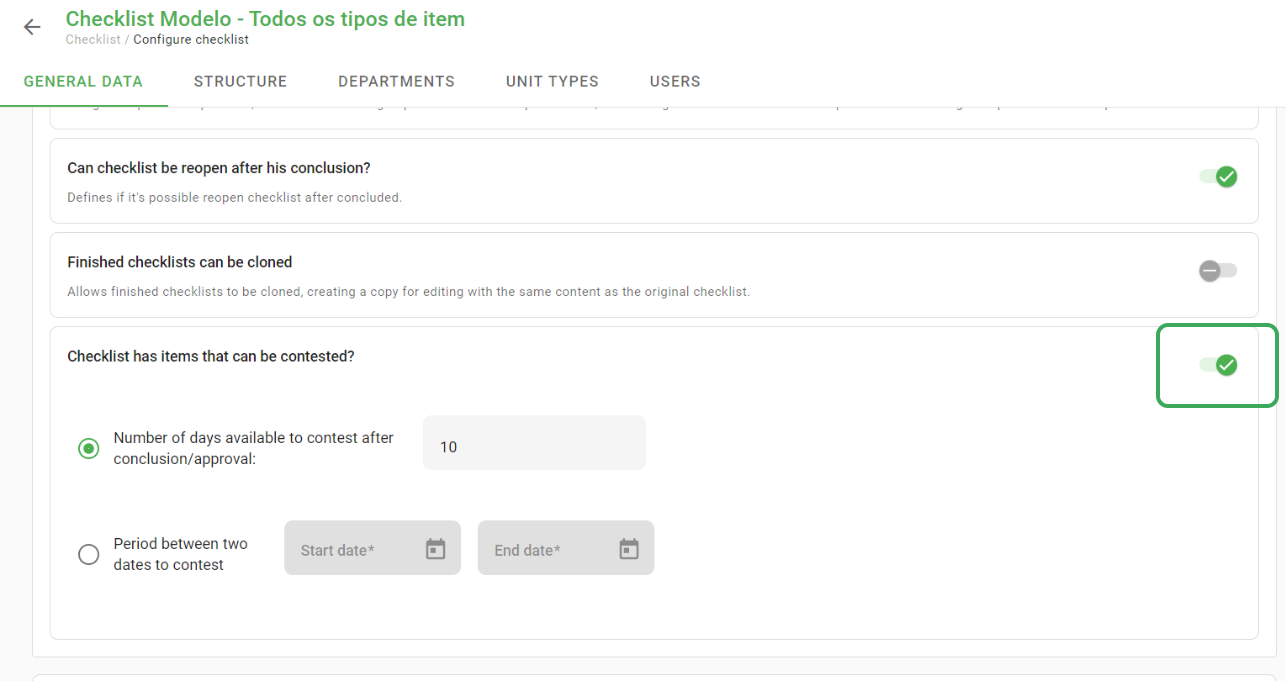
The contestation period must also be defined here. This can be a number of days after completing the checklist or a custom period.
After activating and configuring the Contestation period, it is then necessary to configure the items that can be contested. To do this, simply access the Checklist Structure > edit the item > Display and:
Item may be contested in review view
Only negative items can be contested
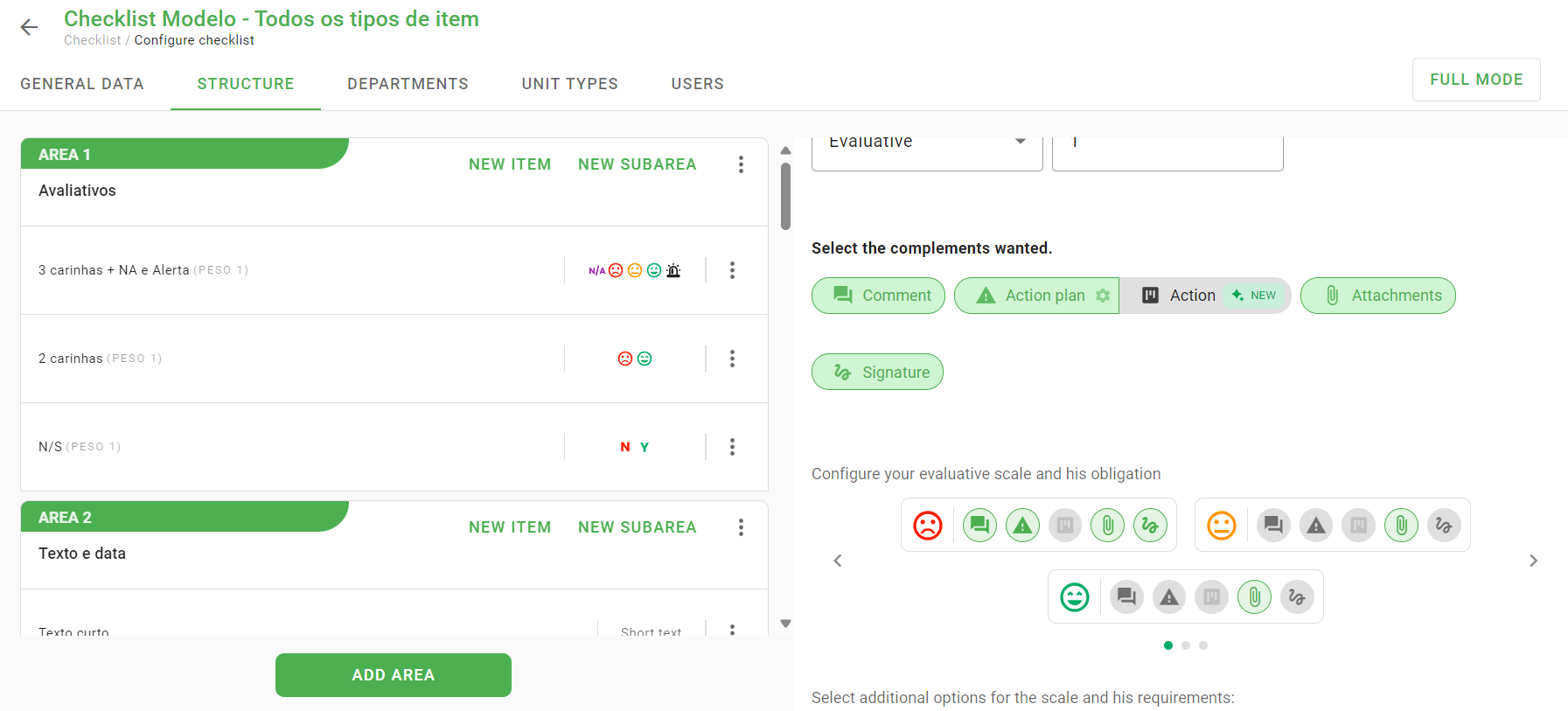
Attention: Only responses to evaluative scale items can be contested.
Adjustments in user type
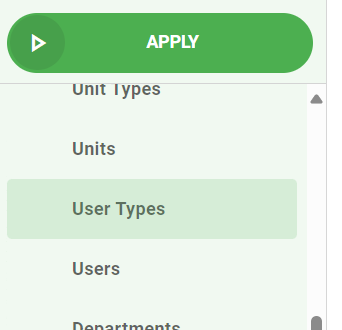
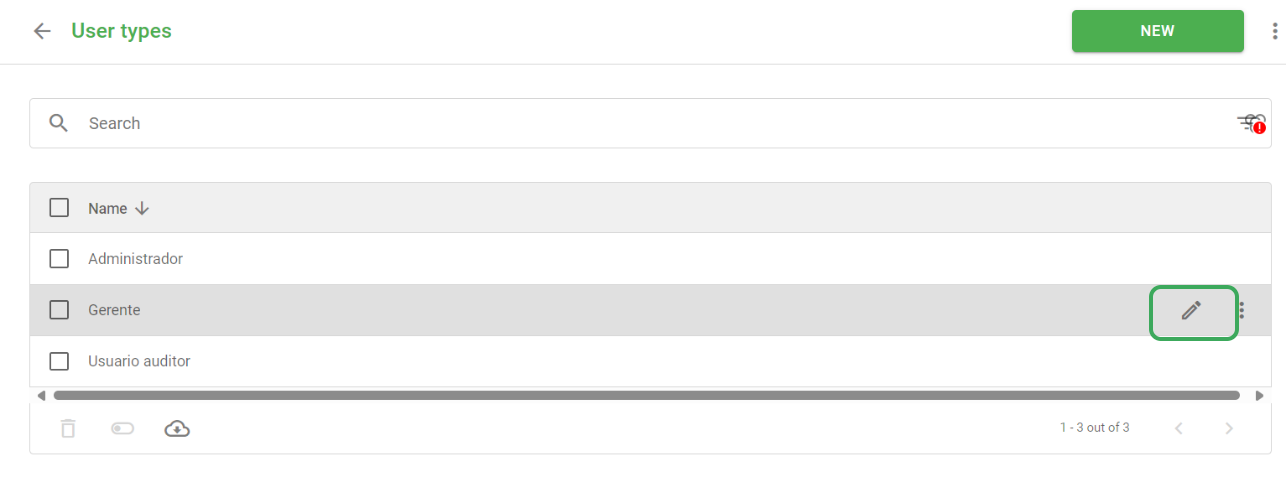
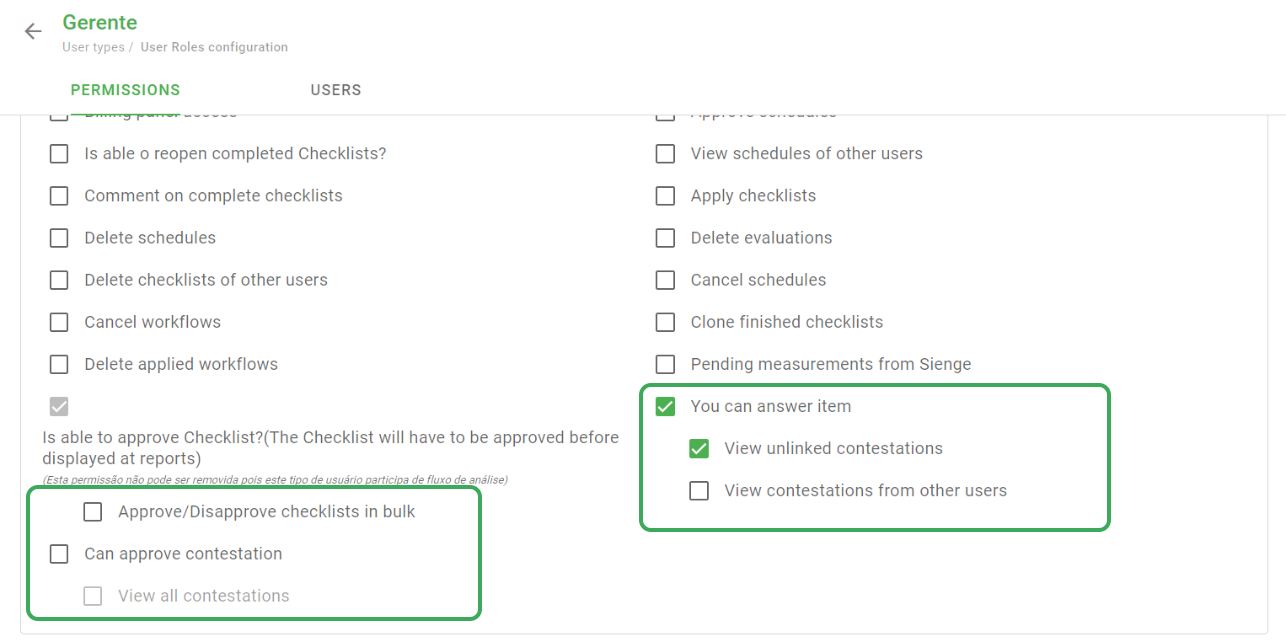
In the permission/user type settings, you need to ensure that the users involved have the defined permissions.
In Contestation, there will be the “Contest Item” permission, which will enable the user with the given user type to participate in the dispute analysis and approval process and create a contestation based on an item, respectively.
In addition, it is also possible to enable the user to view their unlinked complaints and complaints from other users.
After making adjustments, remember to Save it.
➡️ Was this article useful? Leave your review!
❓Do you still have questions? Contact us via chat or ticket!
❓Tem dúvidas? Entre em contato com nosso time de suporte.