- About the feature
- How to access checklists started on the web
- Search and application continuity
- Frequently Asked Questions (FAQ)
Feature available only for Beta test companies. If you are interested in acquiring it, contact your Checklist Fácil account manager!
About the feature
It is possible to continue applications originally started via the Web platform through the Checklist Fácil app. This ensures flexibility for your operation, allowing an inspection to begin in the office and end in the field.
How to access checklists started on the web
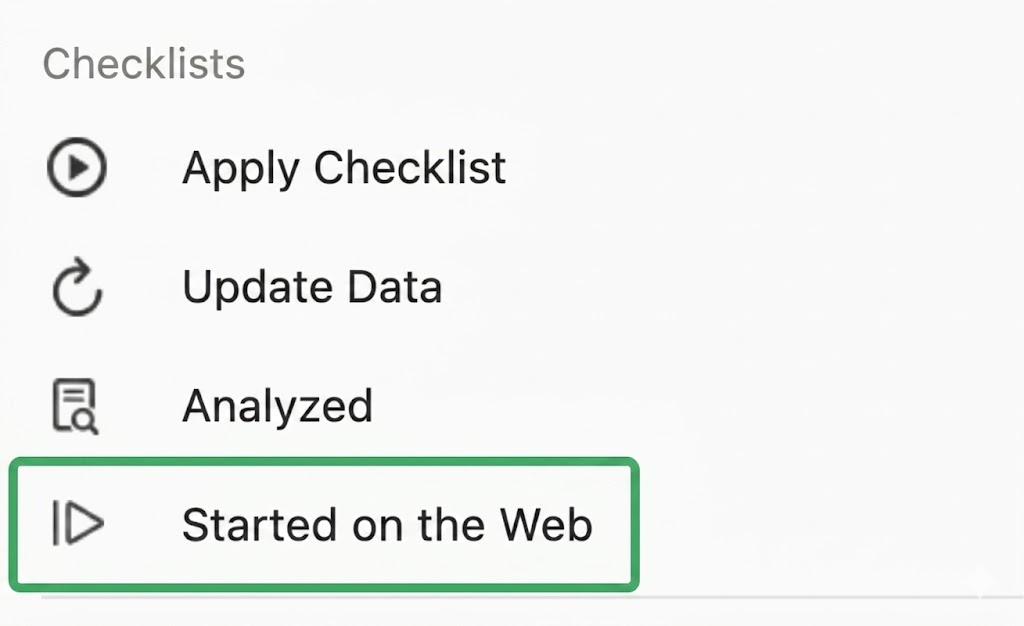
To find these items, simply navigate in your application to More Menu > Started on the Web. There, you will be able to view all checklists pending conclusion coming from the Web.
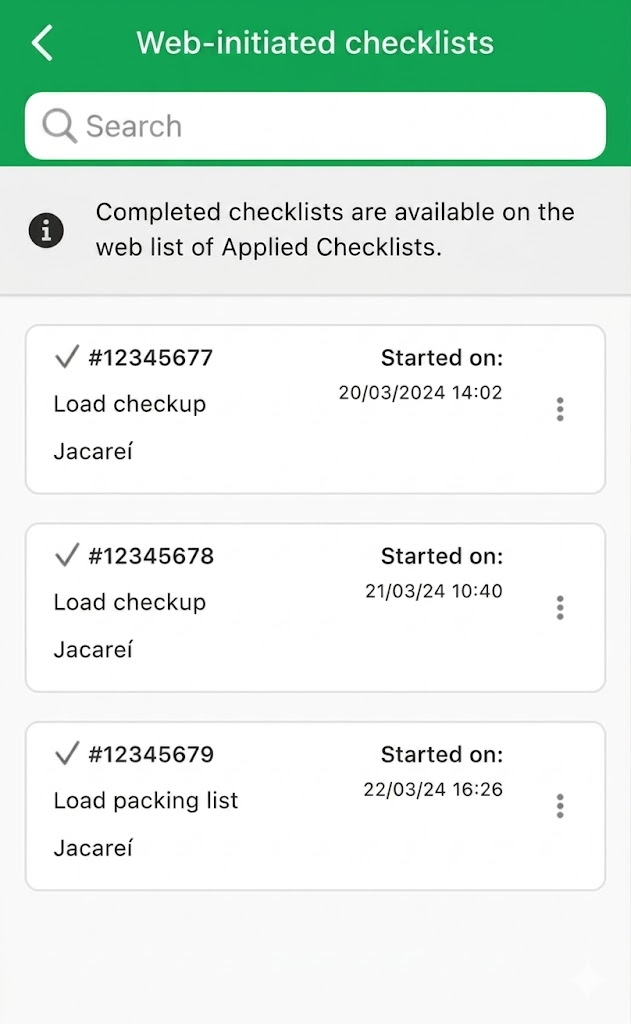
The list of checklists Started on the web is made available when you are online, without the need for manual data update in the app.
Search and application continuity
Within the list, you can search for specific checklists using the search bar available at the top of the screen.
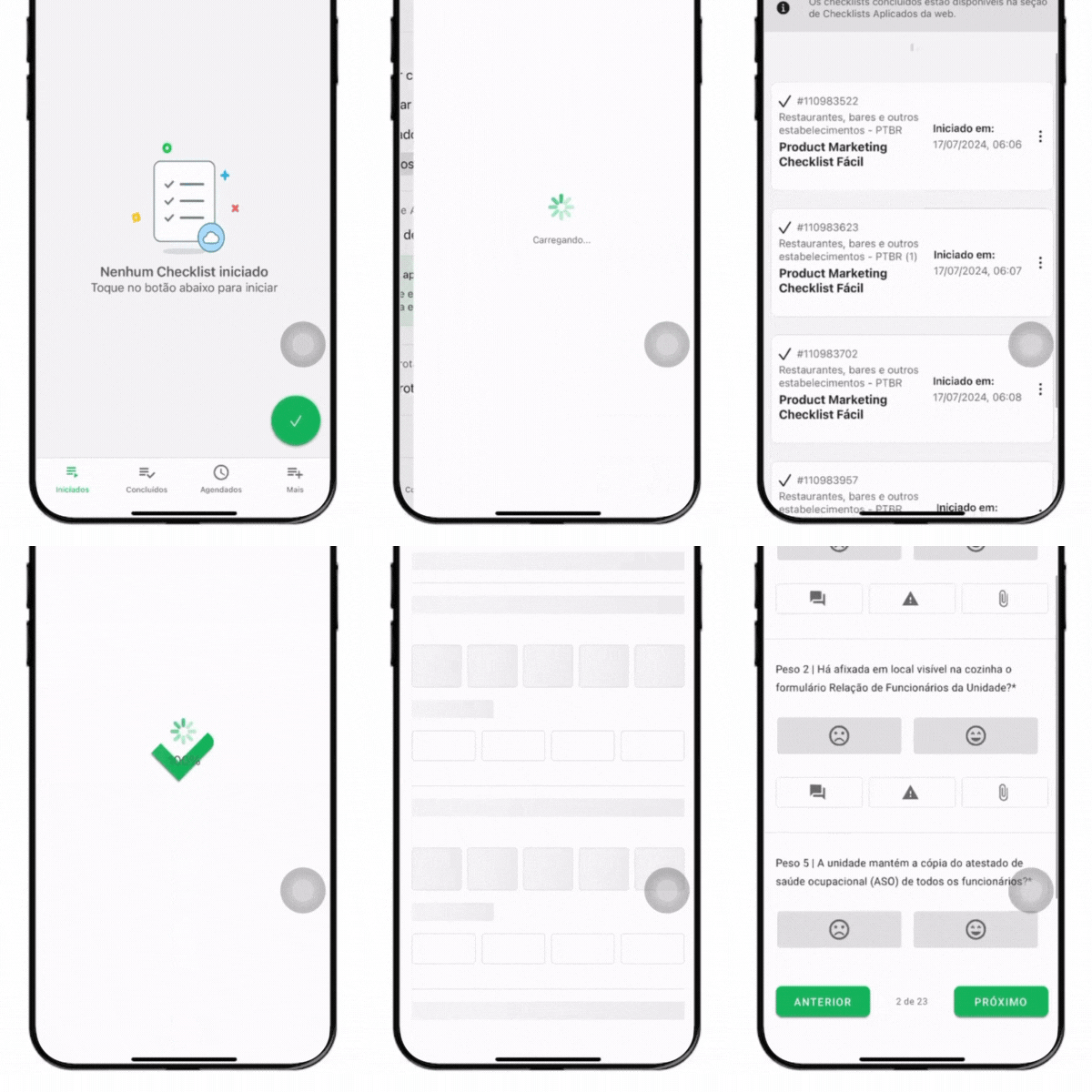
To proceed with filling out:
1. Select the checklist application you wish to continue.
2. Start filling out the remaining items.
3. Upon finalizing your application, the system will automatically direct you back to the Started on the web list.
Frequently Asked Questions (FAQ)
1. Can I access this list in offline mode?
No. To load the list of checklists that were started on the Web platform, it is necessary for the device to be connected to the internet.
2. What happens after I finalize the checklist in the app?
After completion, the data is synchronized and the checklist leaves the "Started on the Web" list, returning to the normal flow of finalized reports.
❓Tem dúvidas? Entre em contato com nosso time de suporte.