The synchronization process is the moment when the app connects to the system on the web and sends completed checklists, created action plans, and other attachments via the current mobile device. Thus, these results are available through the Applied Checklists on web and are also available in Indicators.
The synchronization of checklists is done automatically by the app when there is an internet connection. In these cases, when the checklist is finished, it will already be synchronized.
However, in situations where there is no connection, you can find the Waiting for synchronization checklists in the Concluded tab of the app. Here, press the Sync (Cloud) button available at the top right:
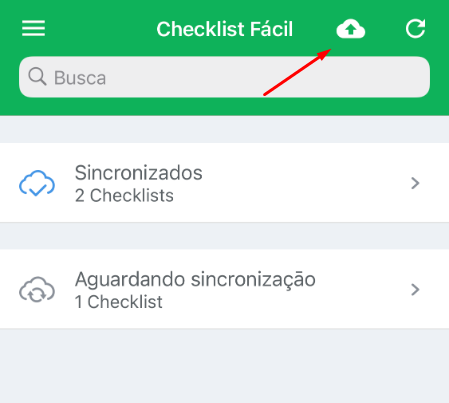
Once the synchronization is complete, the checklists will be available on the web.
➡️ Was this article useful? Leave your review!
❓Do you still have questions? Contact us via chat or ticket!
❓Tem dúvidas? Entre em contato com nosso time de suporte.