To include user types easy and quickly, you can import them in a simple way. Accessing the user types configuration screen, click on the three dots beside the new button, and then click Import:

On the Import user types screen, you can choose to import the registration data or the associations with users, and choose if you wish to overwrite data:
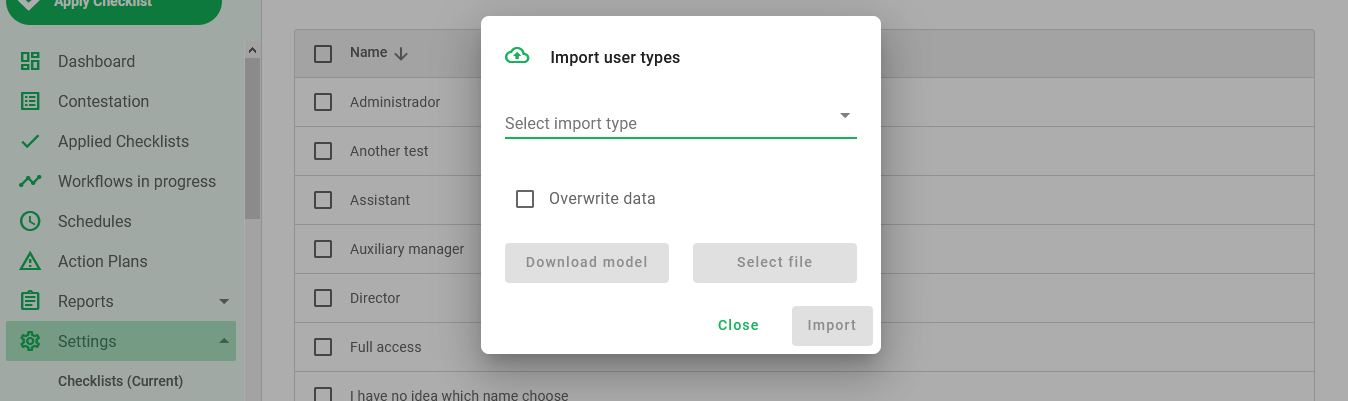
To complete the importation, you just have to select what you want to import, and select the filled spreadsheet template. To download the template, select the import type you want and click the download model button.
Was this article useful? Remember to rate it!
Got questions? Contact us through chat or ticket!
❓Tem dúvidas? Entre em contato com nosso time de suporte.