With a type of user already registered, it’s possible to define which are their access permissions. Accessing the user types screen it’s possible, in addition to editing, to perform mass actions such as delete, deactivating and exporting data.
To edit a user type, just hover over it and click on the pencil icon (edit). The user type edit screen allows you to change the fields that have been defined in your registration:
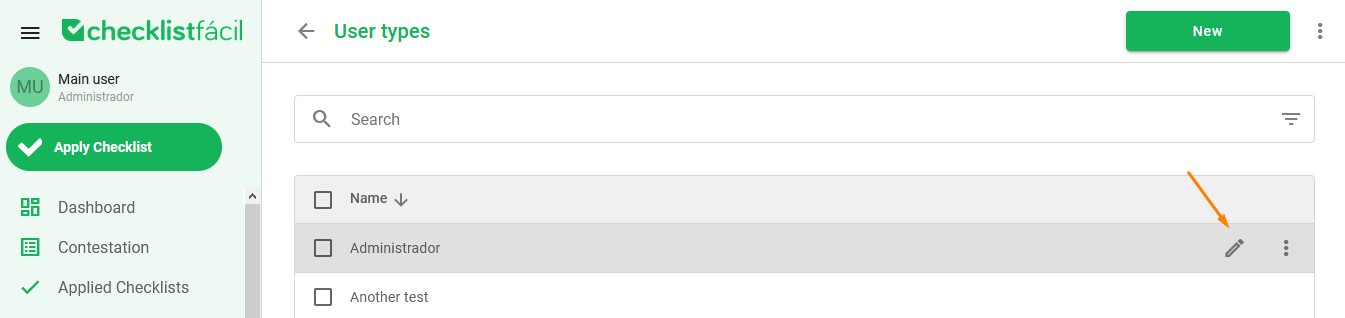
Besides the edit option, it’s possible to deactivate or delete a user type only, by clicking on the three dots and on the wanted option.
If a massive action is required, select the corresponding user types to available the mass action options at the bottom of the page. With them, you can deactivate, delete or export data.

Was this article useful? Remember to rate it!
Got questions? Contact us through chat or ticket!
❓Tem dúvidas? Entre em contato com nosso time de suporte.