Accessing Departments
Creating departments is the best way to organize your company's areas within Checklist Fácil. In addition, the process is very simple.
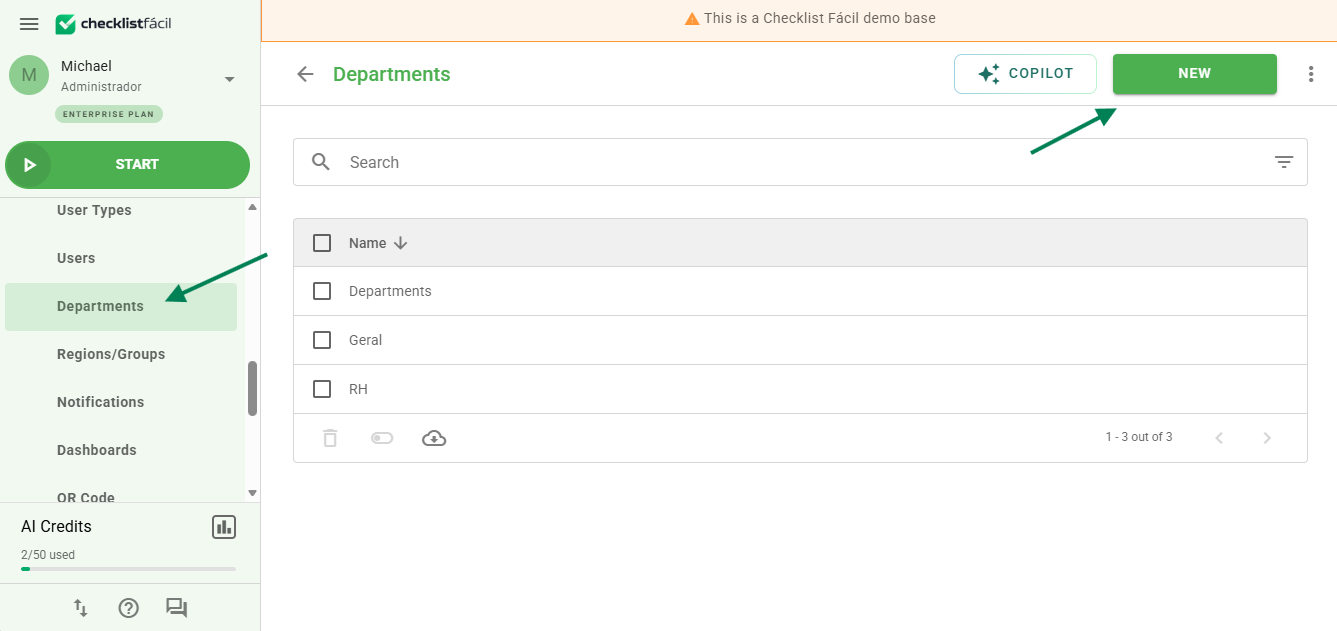
To get started, access the Departments settings screen and click the New button.
Configuring Tabs
After clicking New, you will need to fill in the information in the available tabs:
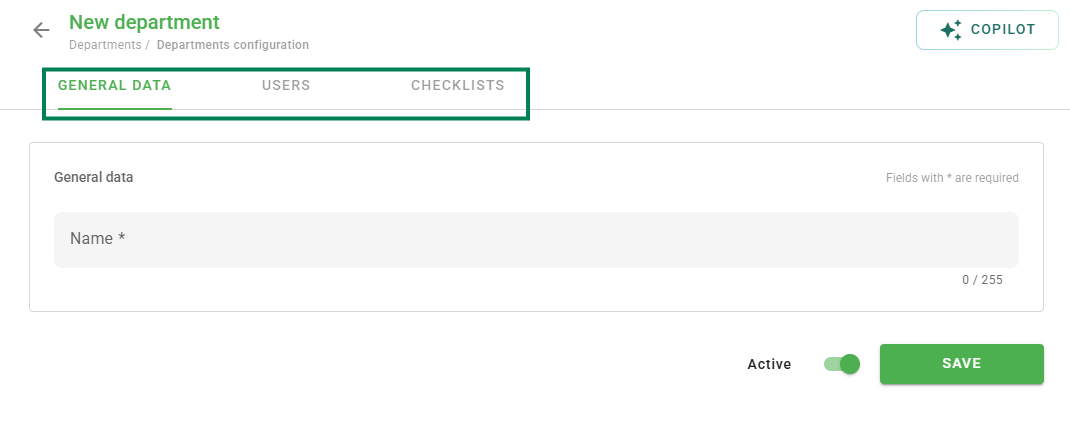
Registration Data: defines the department name.
Users: defines the users who will have access to this department.
Checklists: defines which templates will be available for application.
Bulk Linking and Filters
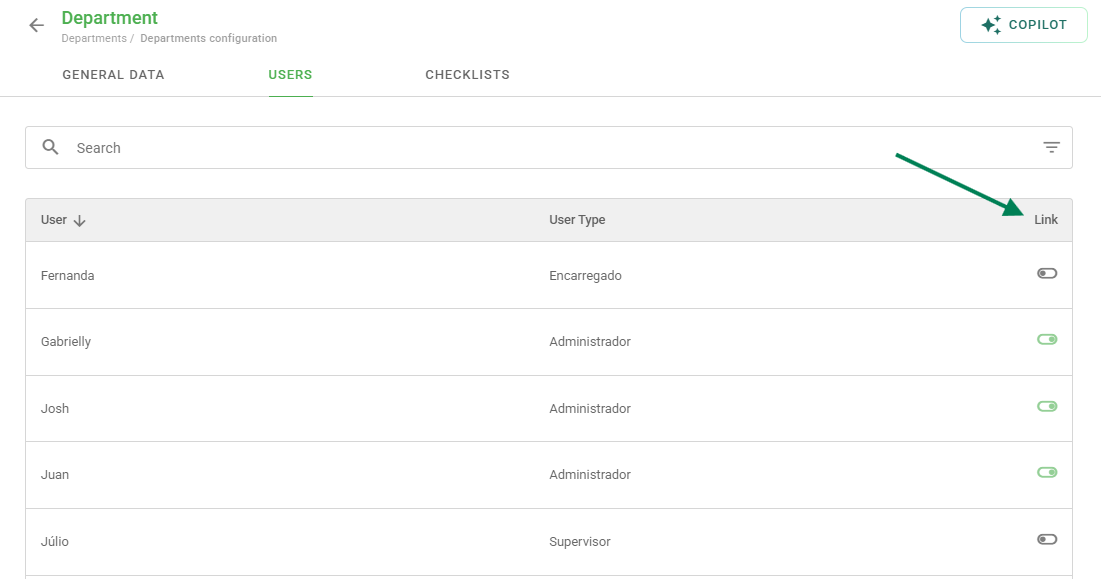
To speed up the creation process, you can perform a bulk selection. To do this, simply click Link.
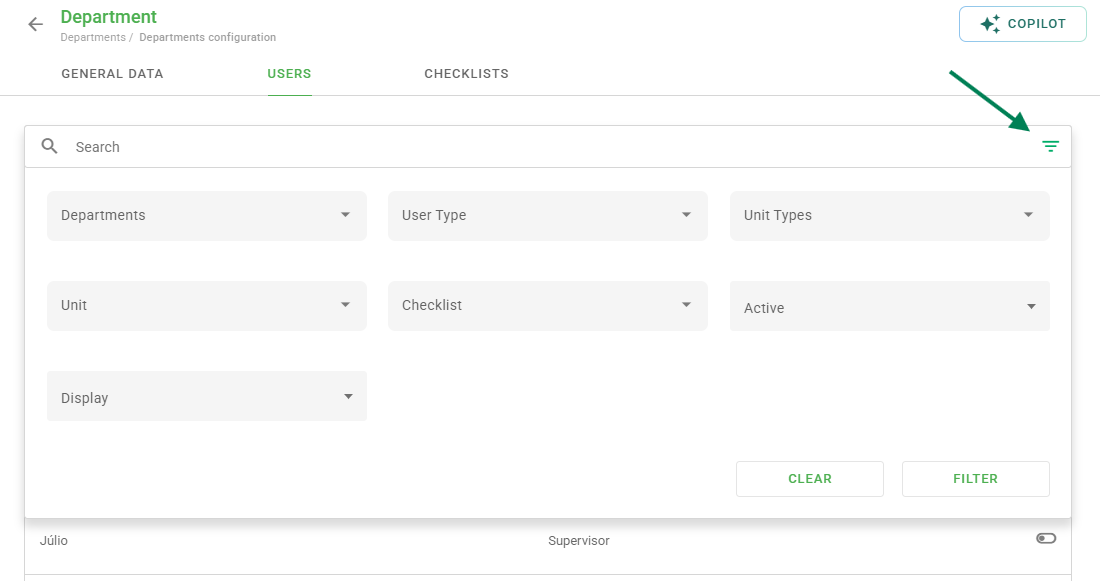
It is also possible to use several filters when selecting your users and checklists, making it easier to locate the desired items.
Do you still have any questions? Contact our Solution Team by opening a ticket or through chat.
Frequently Asked Questions (FAQ)
1. Can I edit a department after creating it?
Yes. After saving, you can access the department list again, click on the desired department, and make the necessary changes in the registration data, users, or checklists tabs.
❓Tem dúvidas? Entre em contato com nosso time de suporte.