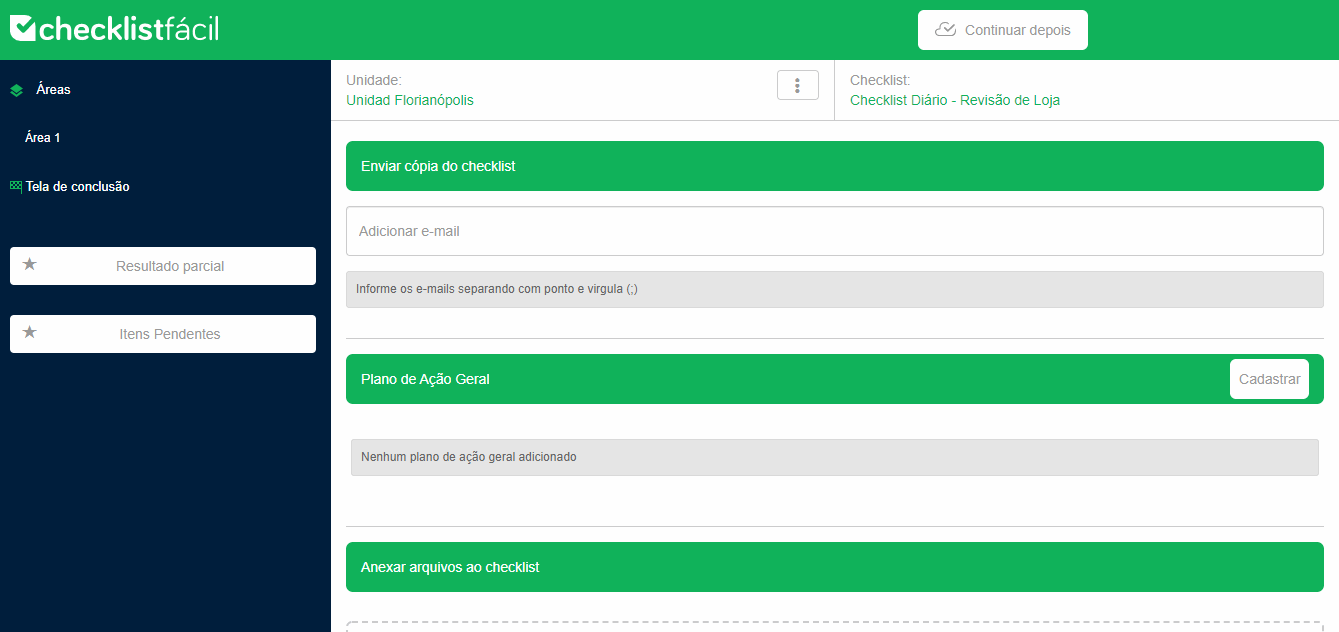
During the application of a checklist, it is possible to add email addresses to receive a copy of the result.
The web option can be found on the Completion Screen. You can also include more email addresses by separating them with semicolons (;).
In the app, tap Share and add the addresses you want.
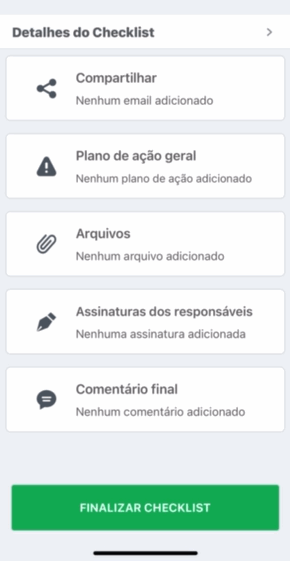
Upon completion, synchronization and calculation of the grade of your checklist, it will be forwarded to the added email addresses.
➡️ Was this article useful? Leave your review!
❓Do you still have questions? Contact us via chat or ticket!
❓Tem dúvidas? Entre em contato com nosso time de suporte.