Duplicating a workflow can be used to perform revisions to an already established process or create a new one, using the duplicate as a starting point.
To duplicate a workflow, navigate to Settings > Workflows. Then find the desired Workflow in the list.
Hold the pointer over the workflow to reveal the menu. Then, press Duplicate.
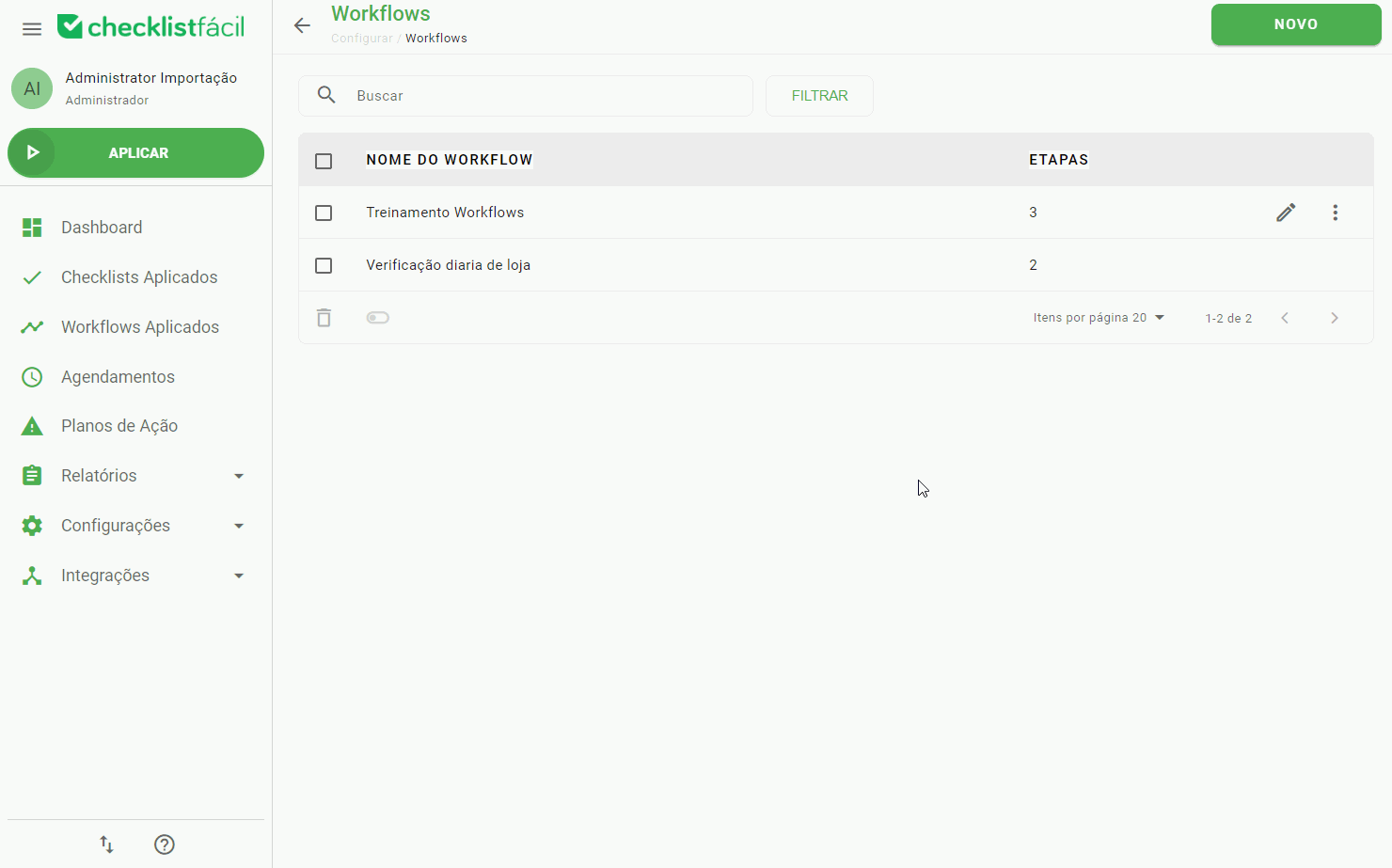
After that, you will be able to find a new workflow with the suffix “Copy”.
➡️ Was this article useful? Leave your review!
❓Do you still have questions? Contact us via chat or ticket!
❓Tem dúvidas? Entre em contato com nosso time de suporte.