.
The Action Manager is an Checklist Fácil module to facilitate the management of actions to do in progress and completed by your team.
It allows the creation of simple records, which integrate the problem-solving process with the applied checklists and centralize communication quickly and efficiently.
Furthermore, it can be used alongside the Action Plan module, simply choose which checklist item will have a specific complement.
Enabling action creation
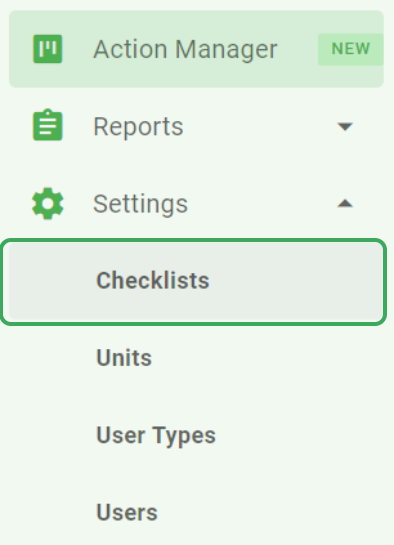
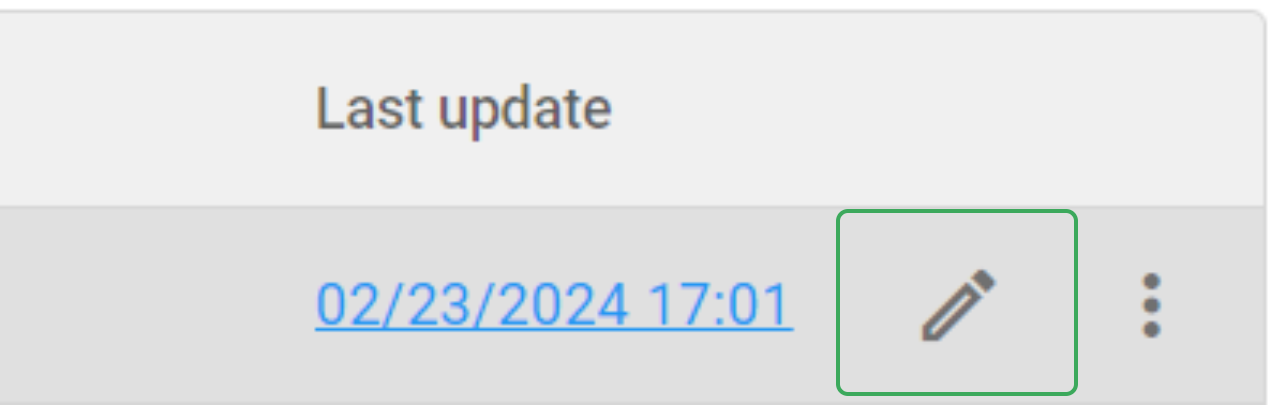
To enable the creation of Actions in a checklist, go to Settings > Checklists and click on the pencil icon to edit the desired checklist.
On the STRUCTURE tab, click on the Action add-on.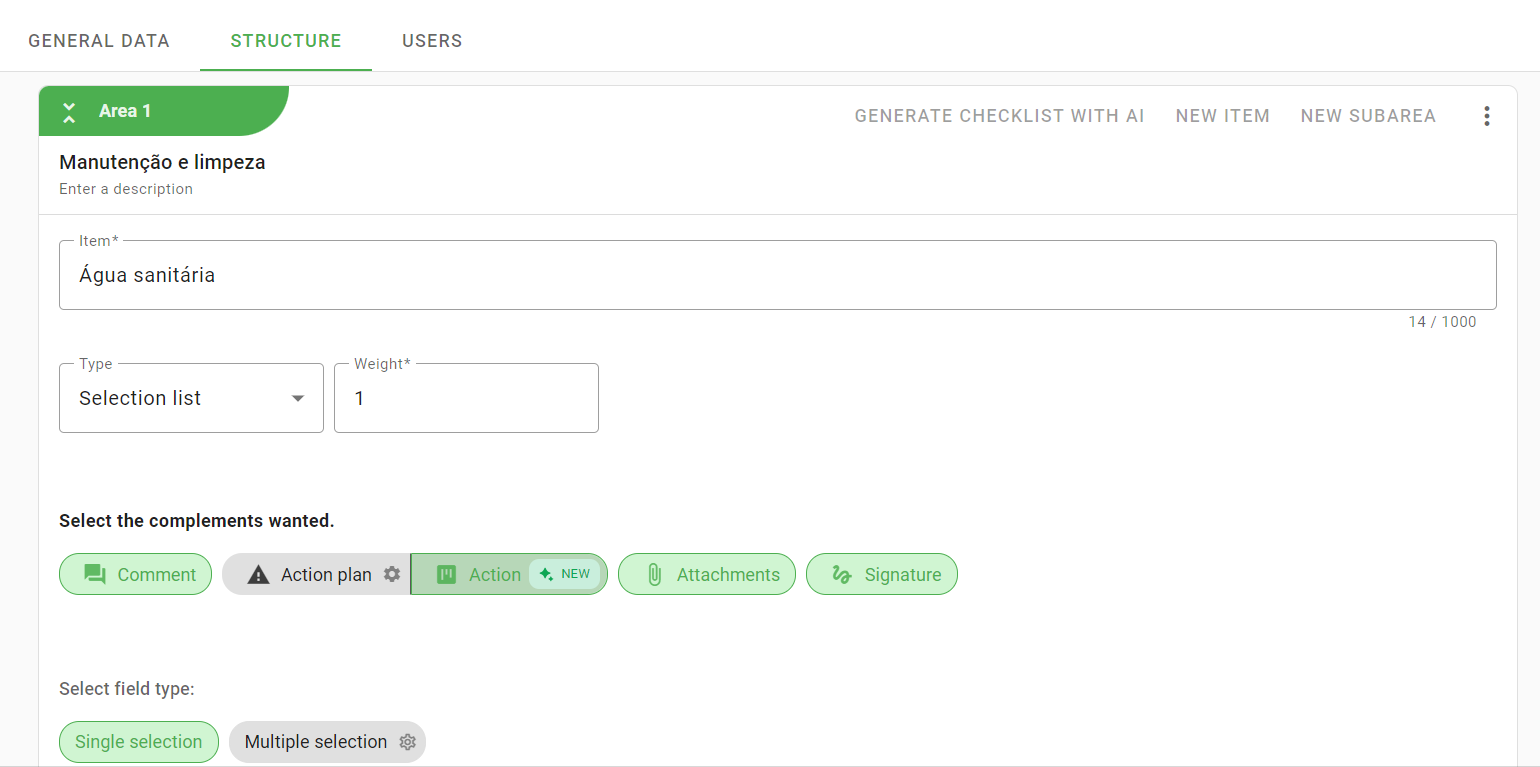
Viewing actions in the Action Manager
All created actions are available in the Actions Manager, which you can find through the side menu:
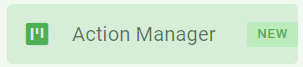
When you click on this option, you will be directed to an action board, with the columns:
To do
In progress
Completed
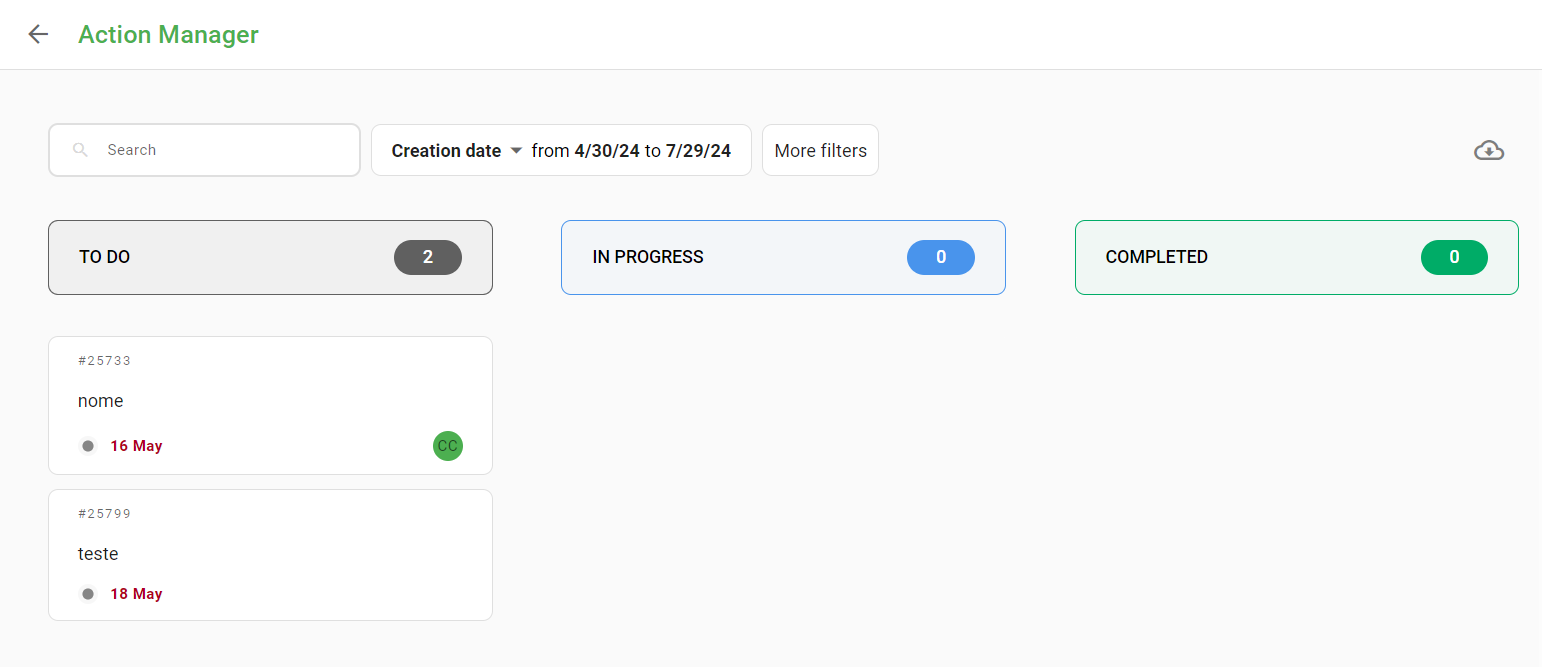
On this screen you can manage actions by stage, monitor deadlines and comment on actions, as well as check comments made by the team. Comments can be up to 5,000 characters long, allowing images to be attached.
Your board will be empty until the first action is created.
Learn how to create an action here.
When opening an action in the Action Manager panel, all completed information and a field for adding comments to the action will be displayed.
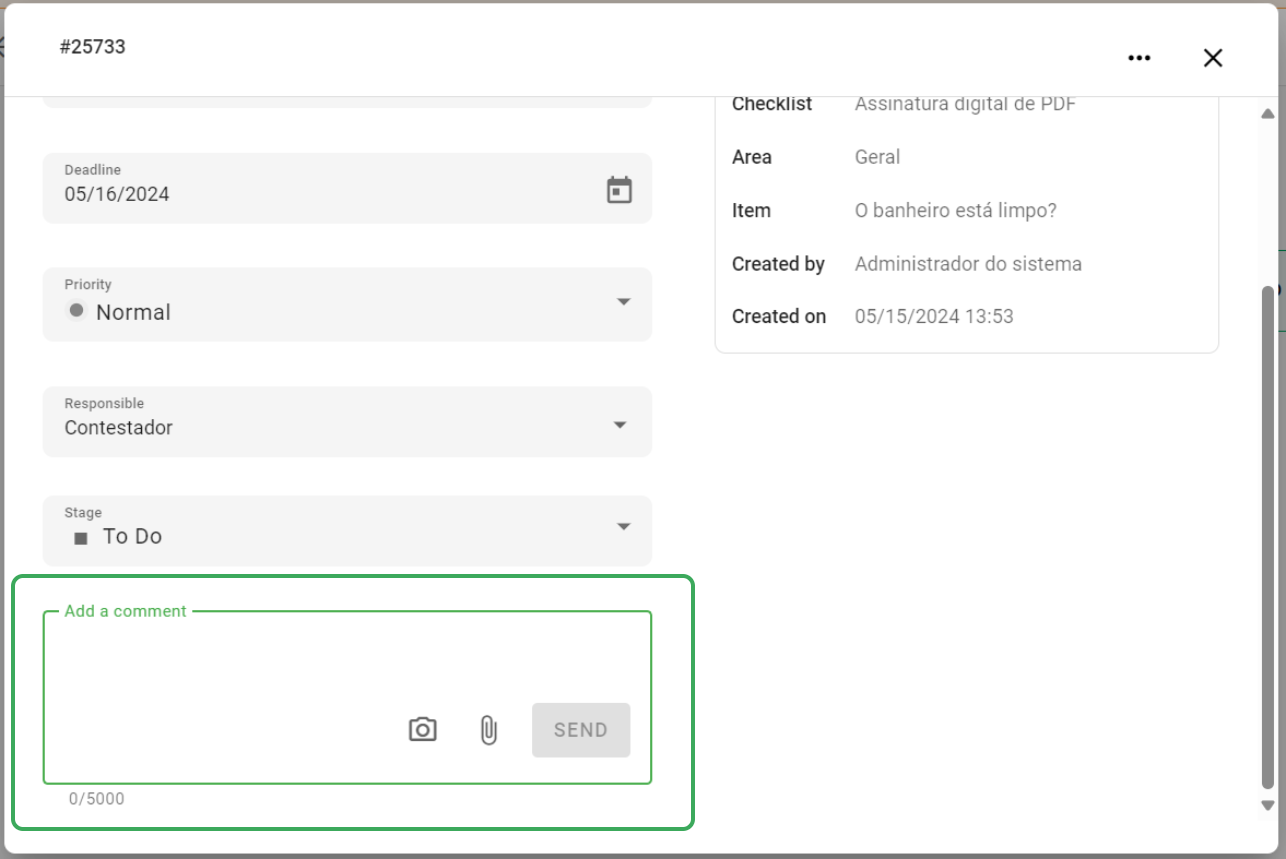
It is possible to add image and video files to the comments of your action via the web or mobile. You can upload a file from your device, use the camera or drag your image/video file to the comment area.
Files up to 100MB are accepted.
*For now in the Android application it is not possible to use the camera in the action comment. You can add media from the gallery.
Exporting actions data
If you need to export your action data, the export icon is located in the top right corner
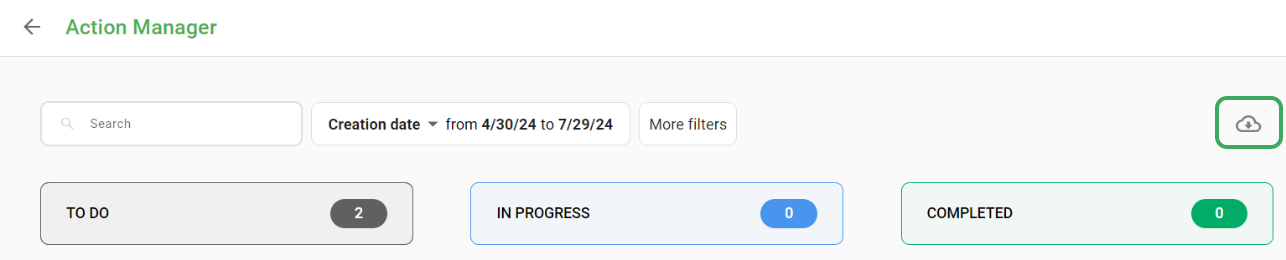
The file generated in the export has the format .xlsx.
Each action is represented by a line in the file, making data visualization and manipulation easier.
Each column in the file corresponds to an action field, including information such as title, description, status, creation date, person responsible for creation, etc.

Each column in the file corresponds to an action field, including information such as title, description, status, creation date, person responsible for creation, etc.

❓Tem dúvidas? Entre em contato com nosso time de suporte.