The aesthetic customization of the platform can be done by accessing Settings > Advanced Settings. In this screen you see the Personalization tab. It is possible to change the color and logo!
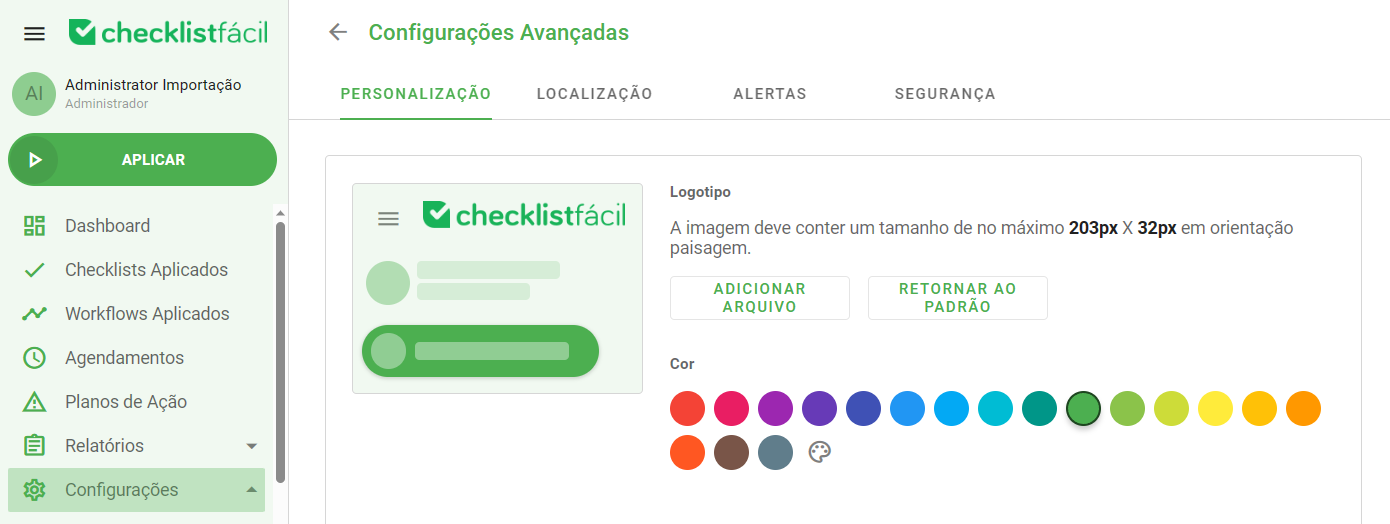
At the top of the tab, the logo option allows you to select an image and file to replace the current logo. The image must have a maximum size of 203px X 32px, in landscape orientation, to ensure greater display quality.
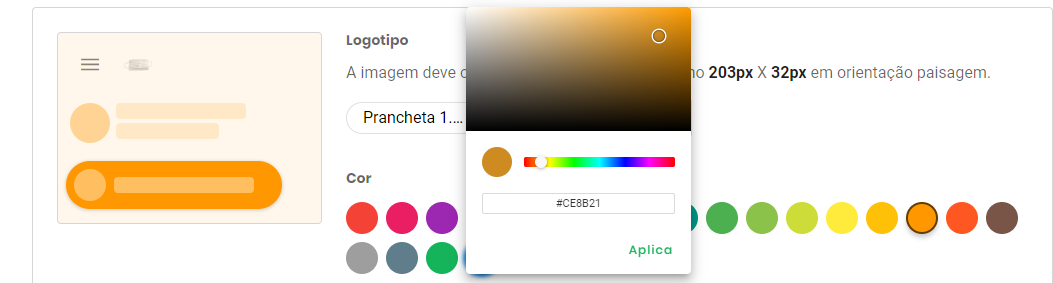
Just below, the color option allows the change of the color pattern. If you have a default hexadecimal, it can be defined by clicking the color palette icon! Furthermore, there is a forecast of what your base will look like, it will be on the right side.
Was this article useful? Remember to rate it!
Got questions? Contact us through chat or ticket!
❓Tem dúvidas? Entre em contato com nosso time de suporte.