- Understand Schedules
- Multi-user scheduling
- Dates, times, and recurrence
- Frequently Asked Questions (FAQ)
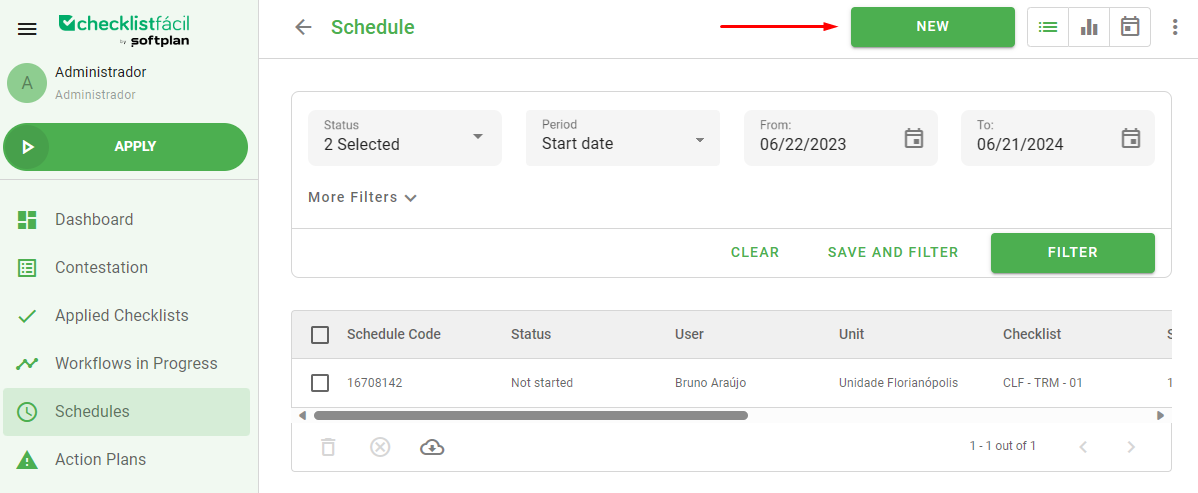
Schedules are intended to program checklist application executions for your users. In the Schedules tab, we have a complete view of the existing programs in the database. By clicking New, you can configure an application in detail.
For more information on configuration rules, please refer to the article Schedules configuration rules.
Understand Schedules
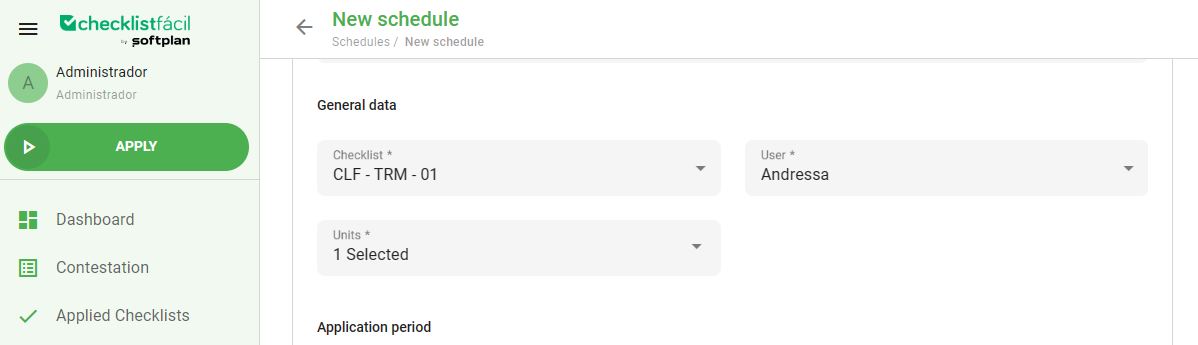
In the new schedule screen, essential information is defined, known as registration data. In it, you select the checklist to be applied, the users who will apply it, and the units that will be evaluated.
Multi-user scheduling
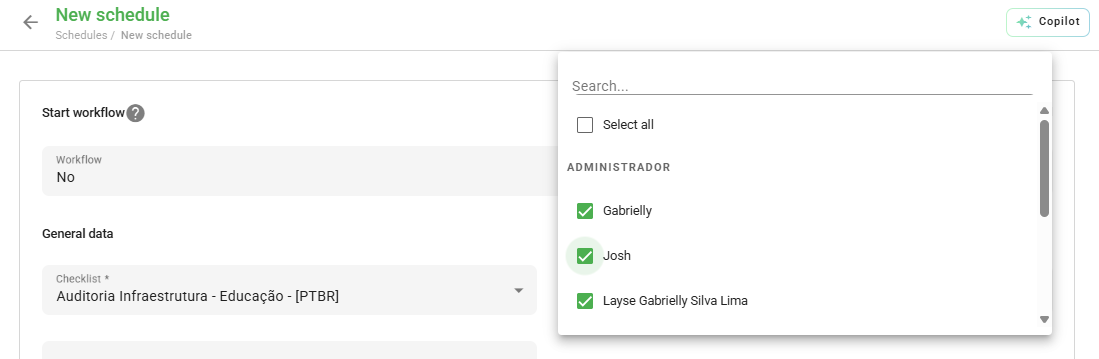
If multiple users are selected, all of them will have permission to start the scheduled application. However, as soon as the first one starts the inspection, the others will not be able to perform the same task on that specific date and time.
Dates, times, and recurrence
In the application period field, we enter the date and time (start and end). If you prefer the activity to remain open without time restrictions, use the all day option.
It is also possible to program a recurrence. In repetition, click custom to define the frequency and the deadline for automatic generation.
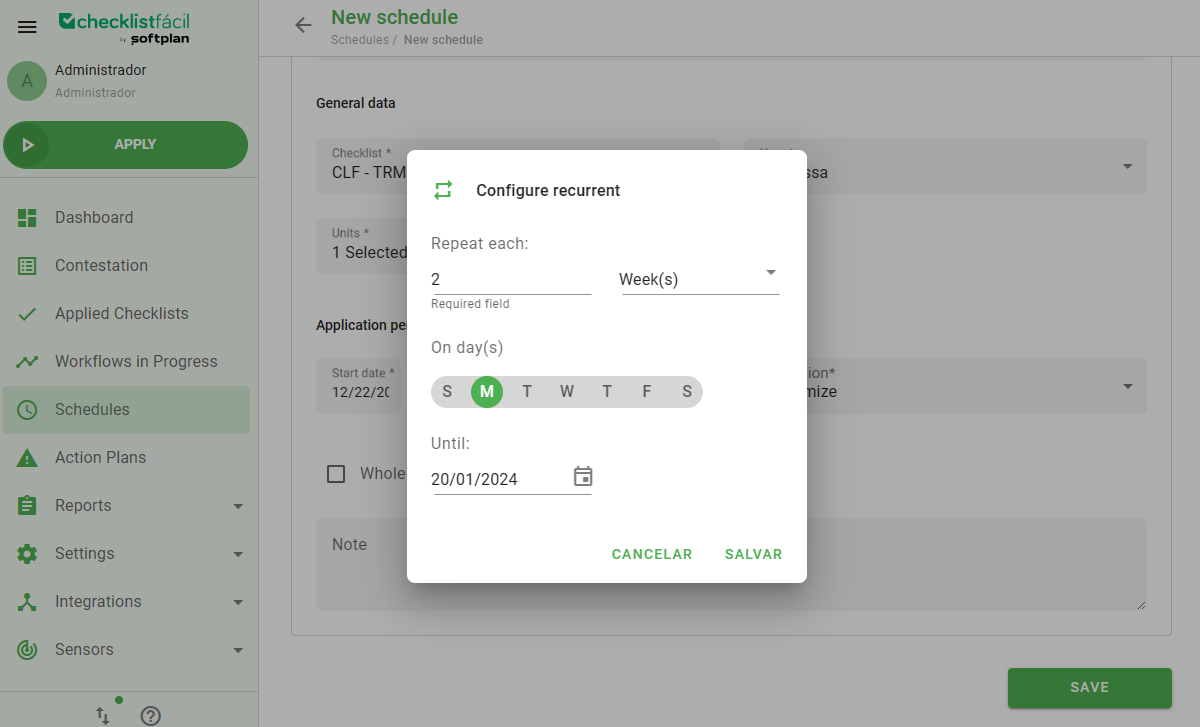
Note: Schedules created with recurrence enter the system routine and will be formally generated only on the day before the start of the application period.
Frequently Asked Questions (FAQ)
1. Can I change a schedule that has already recurred?
Yes, however, changes to recurring schedules may affect future instances that have not yet been generated by the system.
2. What happens if the user misses the schedule deadline?
The schedule will have a status of canceled and can no longer be started.
❓Tem dúvidas? Entre em contato com nosso time de suporte.