By accessing the Applied Workflows screen, you can export your applications! To do this, simply hover your mouse over the completed workflow and click on the cloud icon (export). However, this option will only be available if the workflow is in the completed status, otherwise you will only be able to view it.
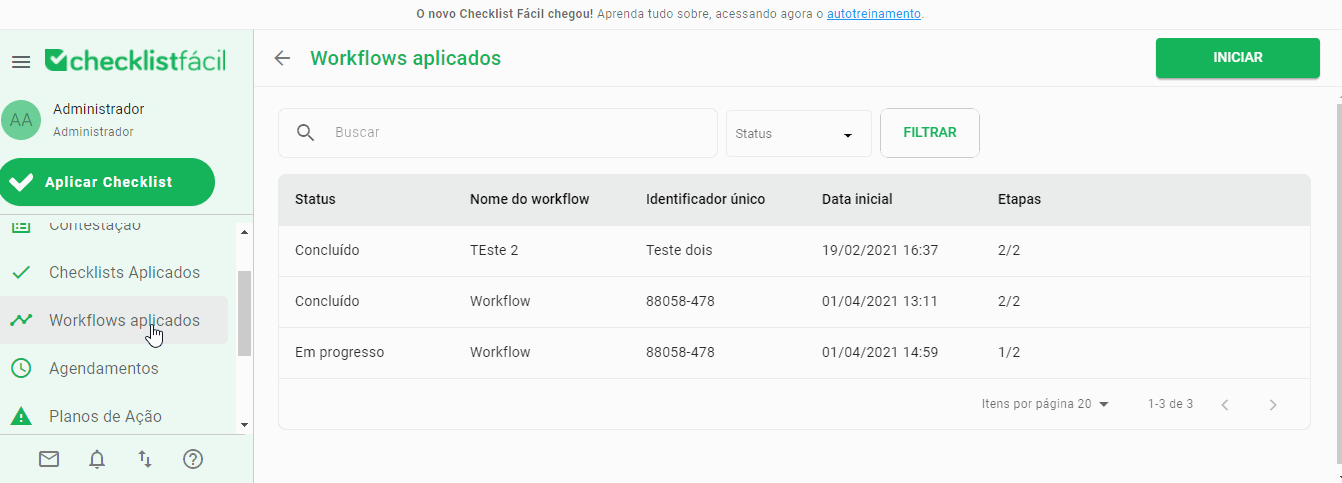
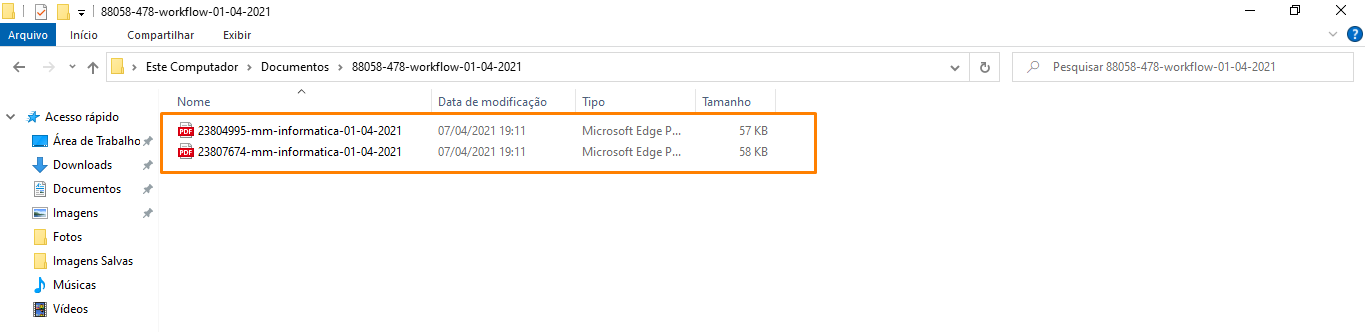
When you click on export, the workflow will follow the standard export process, being directed to the import/export screen. After the export is complete, the generated file will be compressed into a .zip file containing all the PDF documents of the checklists applied in this workflow.
➡️ Was this article useful? Leave your review!
❓Do you still have questions? Contact us via chat or ticket!
❓Tem dúvidas? Entre em contato com nosso time de suporte.