It is possible to start the application of the first stage of a Workflow in two ways: via link (if this option has been enabled in the settings) or through the Main Menu of the Checklist Fácil platform.
Applying Workflow via Web in Checklist Fácil
To start the Workflow application directly through the Web platform, follow the steps below:
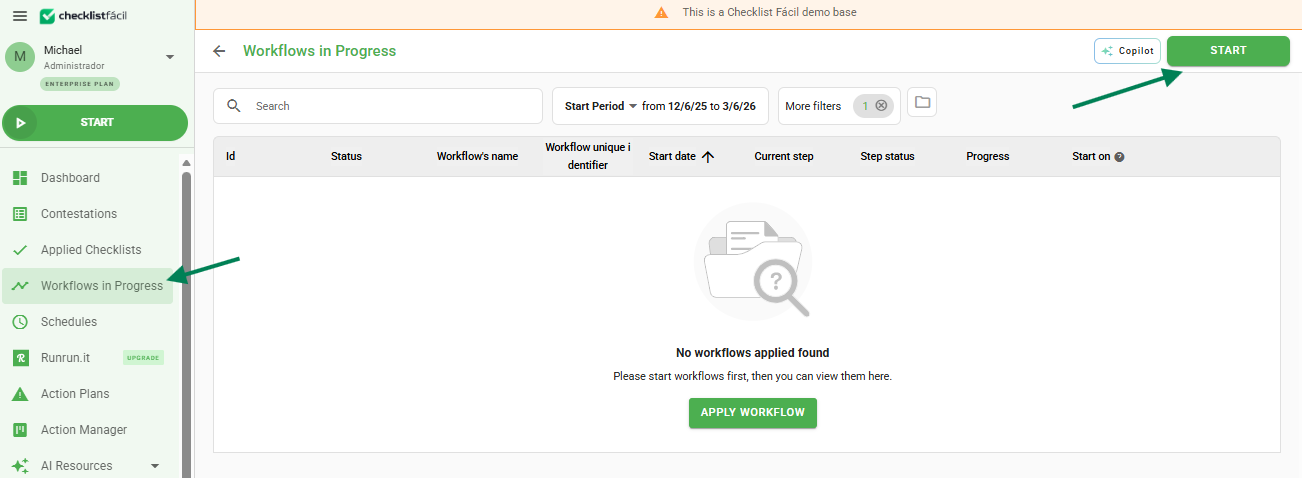
1. After logging in, click on Applied Workflows in the left column;
2. Click the Start button, located in the upper right corner.
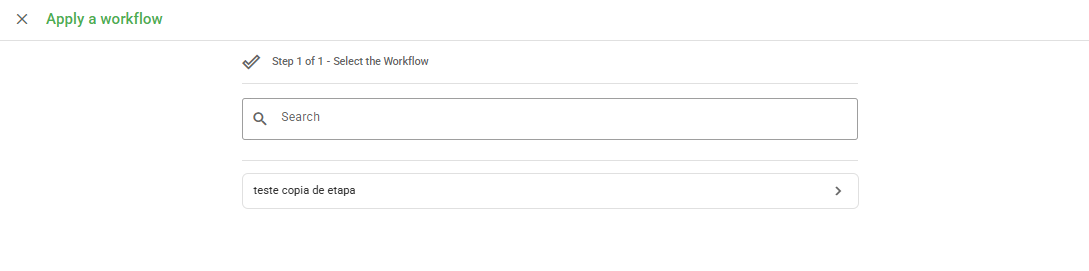
3. Select the desired Workflow from the list:
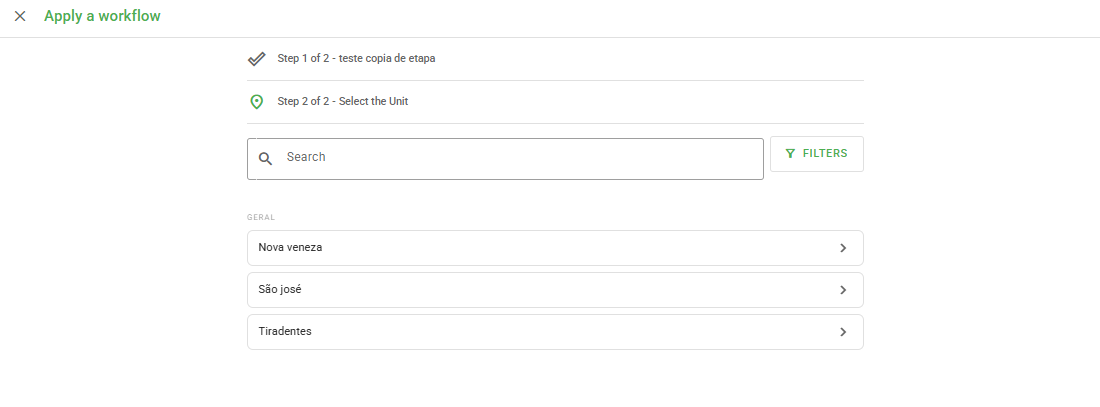
4. Select the Unit.
Note: Only units configured as applicable in the selected workflow and to which your user has a link will be displayed.
Applying Workflow via Link
This option allows sharing the first stage of the flow with other people through a direct link.
Attention: Any application made via link will be linked to the user who generated the link, even if it was applied by an authenticated user. Different users can generate and share links.
When accessing the application link for the first stage:
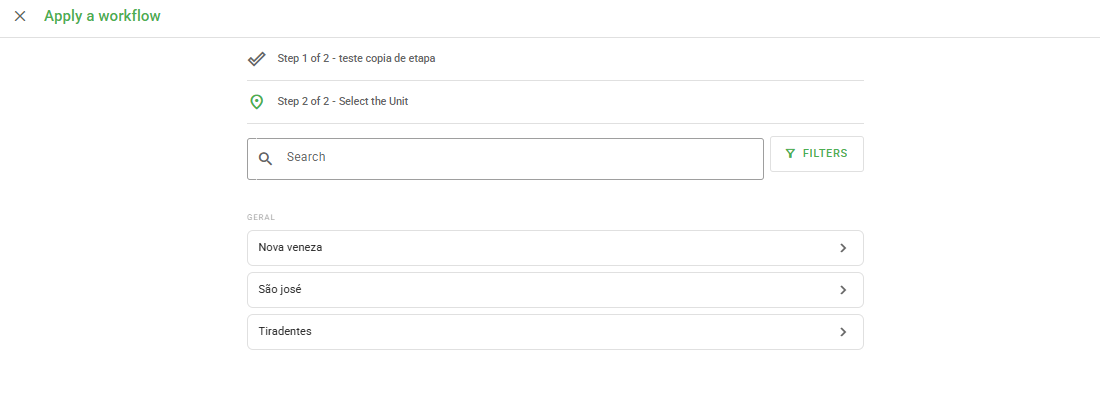
1. Select a Unit (it is possible to filter by region, type, and location);
2. The page will be directed to the completion of the first stage.
Important: The subsequent stages of the workflow must be continued through the "Applied Workflows" report, only by authenticated users (logged in) who have a link to the units.
Frequently Asked Questions (FAQ)
1. Who is registered as responsible in the application via Link?
The system will register the user who generated the original link, regardless of who is filling out the application at that moment.
2. Can anyone continue the next stages of the Workflow?
No. After the first stage via link, the continuity of the flow requires the user to be logged into the platform and have access permission to the unit in question.
❓Tem dúvidas? Entre em contato com nosso time de suporte.