During the application of a checklist, Administrators may update information about the questionnaire. In the app, it is possible to manually update some information and behaviors of your checklist while it is in progress.
You can currently update your Continue on Web settings and send email notifications through this function. If you want to update other/more information about your checklists, update App data.
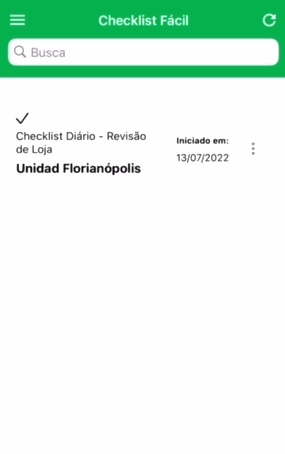
To update an ongoing checklist, navigate to the Initiates tab. Here, press and hold on the checklist card in progress until the option appears. Then, select Update.
➡️ Was this article useful? Leave your review!
❓Do you still have questions? Contact us via chat or ticket!
❓Tem dúvidas? Entre em contato com nosso time de suporte.