The checklists links are responsible for manage the access to it. Divided into departments, unit types and users, the control of access links for application and analysis of reports becomes much more precise and simple.
The department tab lists the departments that you can link to this checklist. In addition to filter, you can select in a massive way by hovering over Link. The link with departments set that only linked users can access the checklist. Once configured, save your changes.
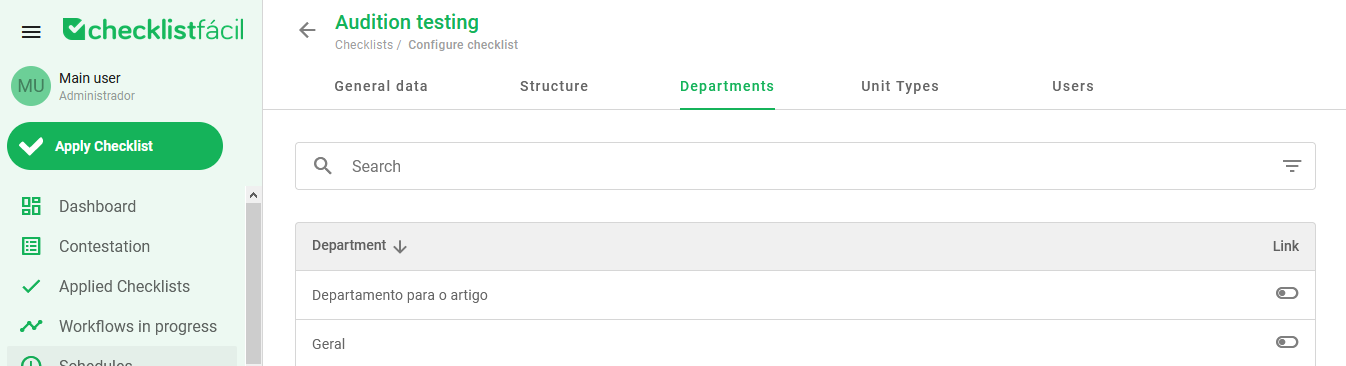
The unit types tab works as the previous tab, limiting which units this checklist can be applied.
The users tab allows to control which users can apply, view reports, or receive emails from this checklist. In addition to filter, you can set massively each option by hovering it.
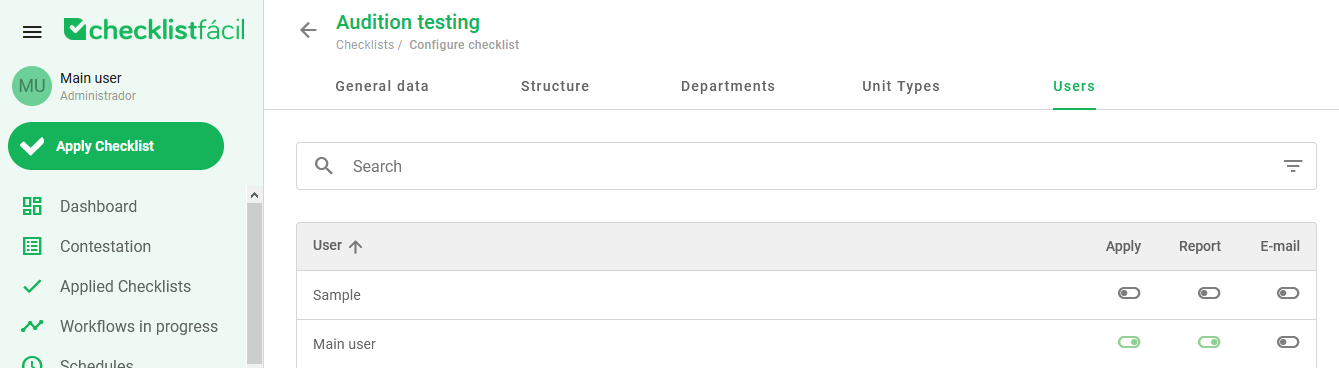
Remember that it’s necessary to save the settings made in each tab, using the Save button at the end of each page.
Was this article useful? Remember to rate it!
Got questions? Contact us through chat or ticket!
❓Tem dúvidas? Entre em contato com nosso time de suporte.