We're making another new feature available for checklist configurations! It is now possible to copy the settings between checklists.
These definitions are behavior options for your checklist and report, found on the Registration Data screen.
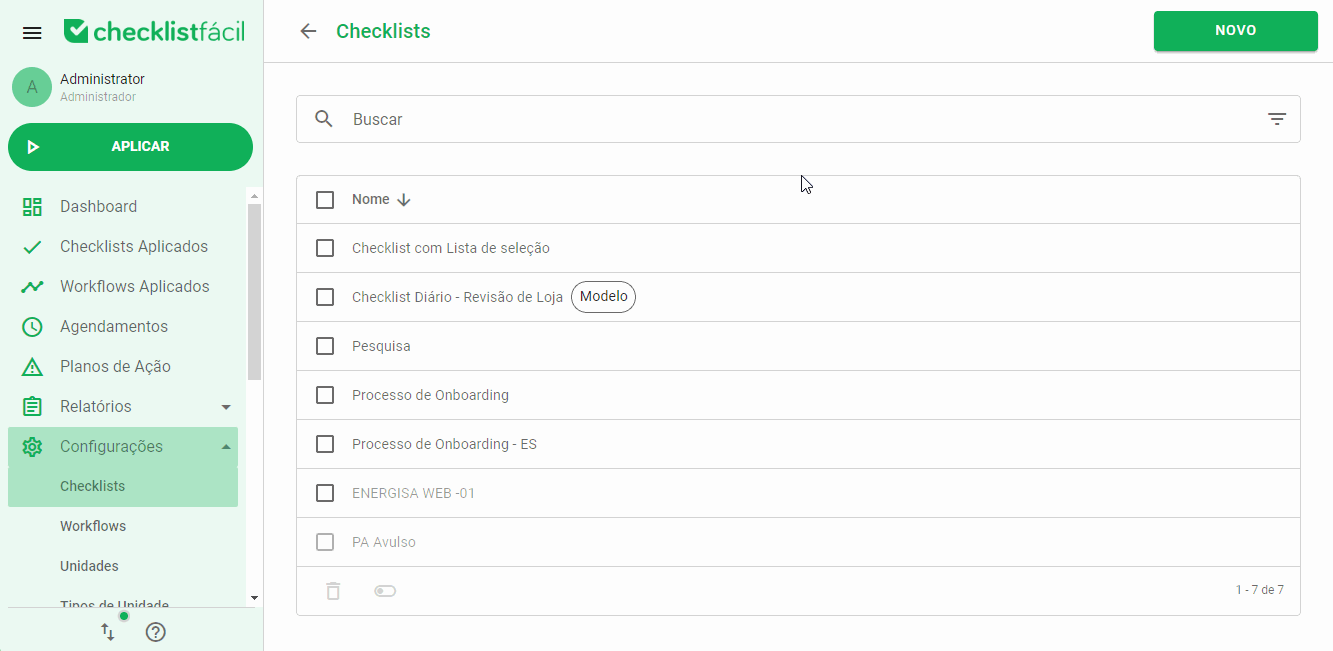
To copy settings from one checklist to another, select the checklist you want to copy and click the three dots menu and then Copy settings.
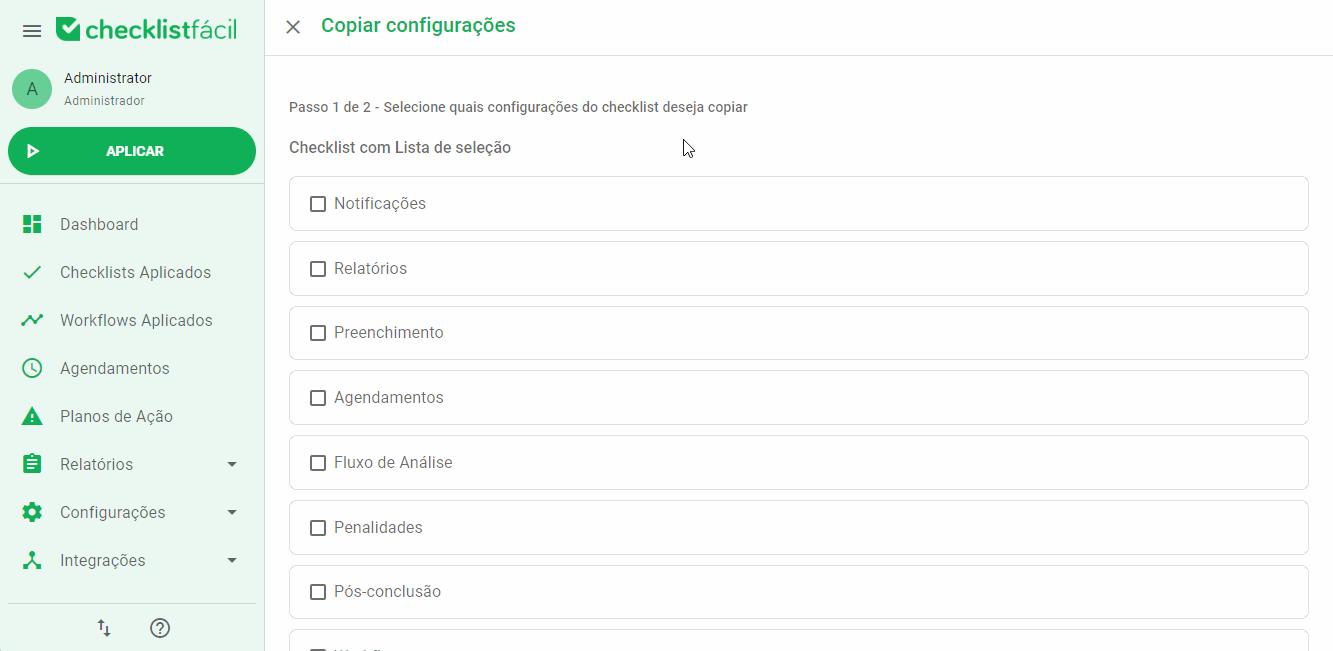
Then, check which options you want to copy and select which checklist(s) will receive these settings:
After that, select Finish Copy.
The system will process the copy and the process can be followed in the import/export history, available in the bottom menu.
➡️ Was this article useful? Leave your review!
❓Do you still have questions? Contact us via chat or ticket!
❓Tem dúvidas? Entre em contato com nosso time de suporte.