It is possible to view a podium based on the results achieved in each unit through the unit ranking.
Note: This article is about a feature of an add-on module. Check availability with your Account Manager or Solution Team.
Settings
In order for the results of a checklist to be included in the ranking, you must first configure it so that it is counted. You will find this option in Settings > Checklists > Edit > Registration Data > Reports:
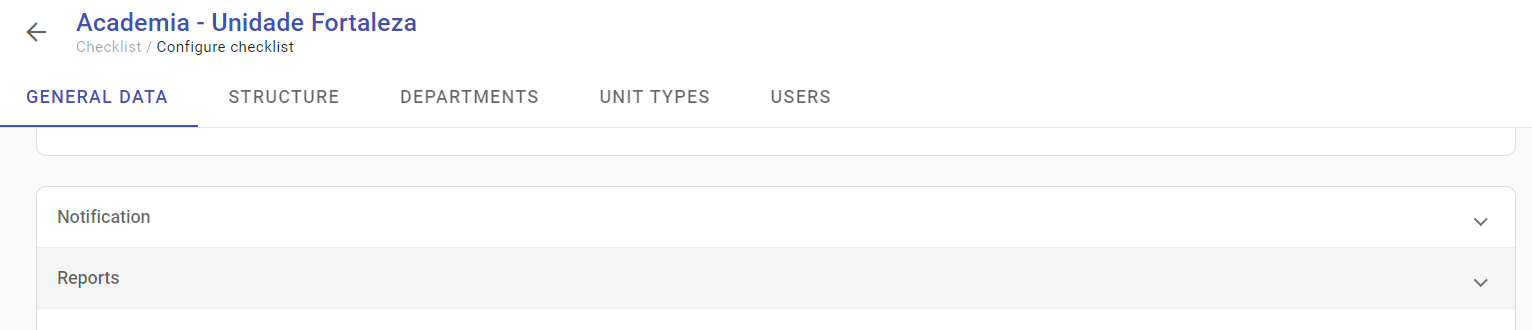
Reports
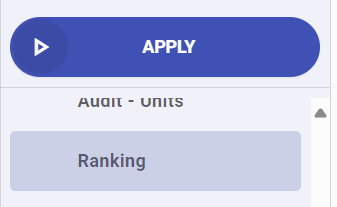
The ranking report will be available together with the other reports available in the web system, in Reports > Ranking:
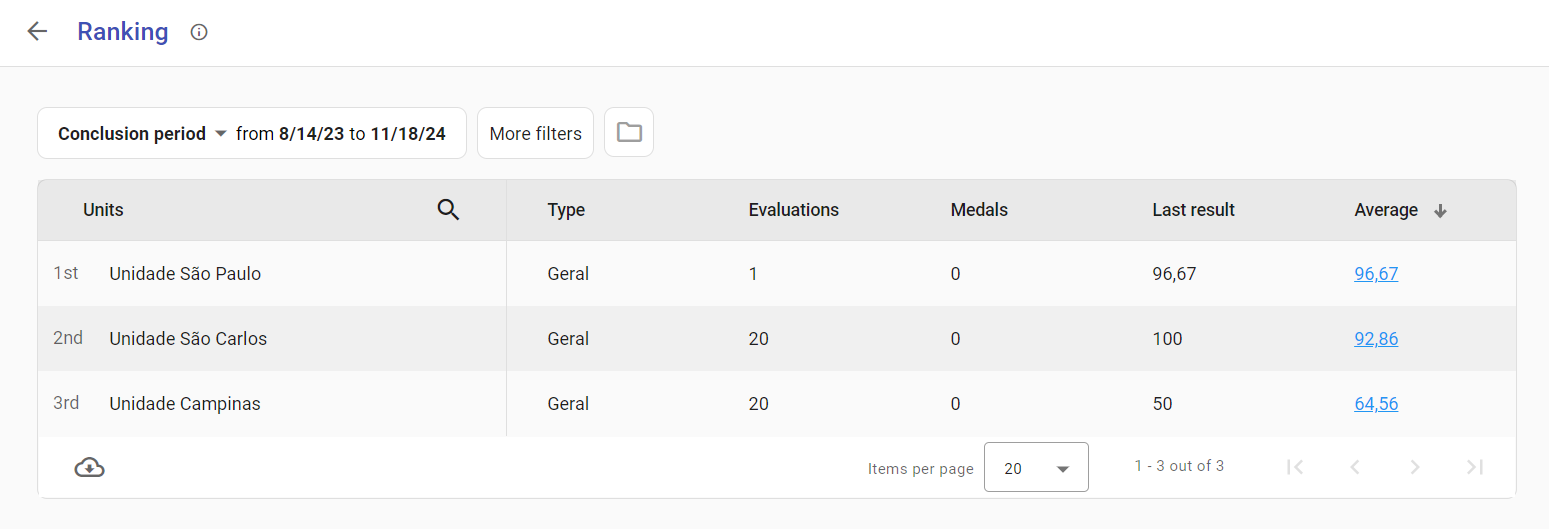
The available options are similar to other reports: you can define the report period, more filters with options to choose which checklists or users participated in the filter and download the report to a spreadsheet.
➡️ Was this article useful? Leave your review!
❓Do you still have questions? Contact us via chat or ticket!
❓Tem dúvidas? Entre em contato com nosso time de suporte.