In this article, we will tell you everything that involves the new menu. Stay informed and learn how to use this tool.
*Note: the screenshots contained in this article are from the Android system, iOS system screens are views in a similar way.
What is the Checklist Fácil app?
One of the main functions of the Checklist Fácil app is the easy application of digital checklists. Furthermore, it enables:
Registering non-conformities with or without internet signal;
Managing non-conformities, through Action Plans by item, area or general;
Control operations in real time with personalized dashboards, schedule management, reports and rankings.
What is Menu More about?
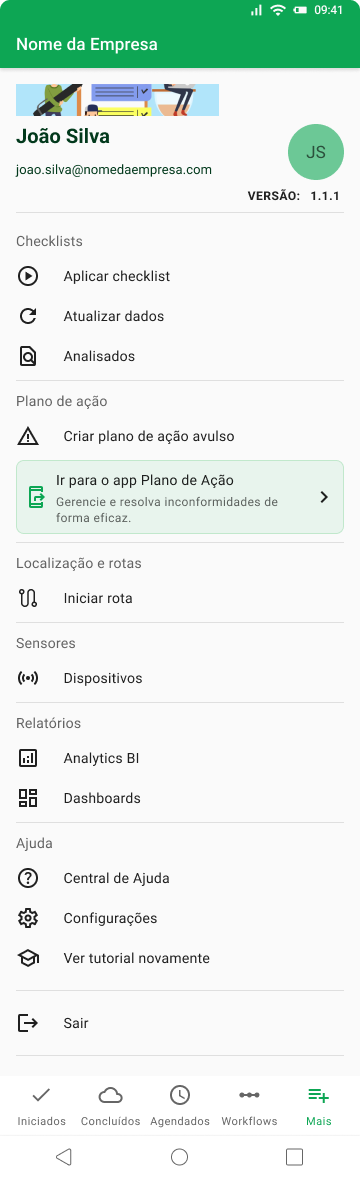
Menu More aims to assist in identifying the tools present in the application, such as: application of checklists, Action Plans, location and routes, reports and much more.
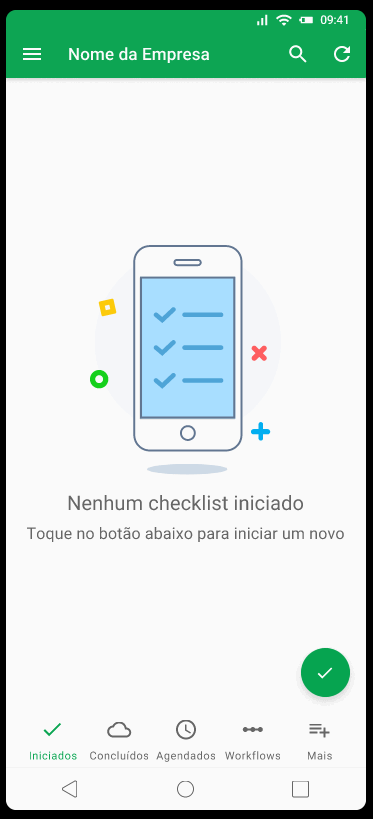
The button is located in the bottom right corner of the navigation bar, a highlighted in the following image:
How does Menu More work?
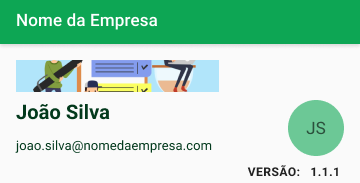
The Menu More contains a fixed part that can be customized by the company or the user, with the image, name and avatar being editable elements.
Checklists
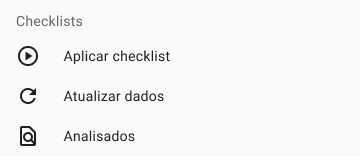
Just below this fixed part, there is the Checklists category, in which it is possible to Apply checklists, Update data and view the progress of the checklist analysis.
✅ Do you want to know how to apply a Checklist? Access the page and find out how ➡️Click here⬅️
Action Plan
*Module available from the Basic plan.
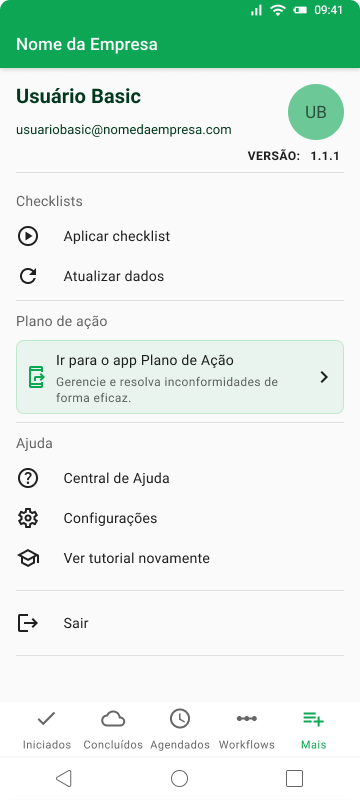
The Action Plan is a module that makes it possible to deal with non-conformities after completing a checklist.
In this Menu More category, you can create a separate action plan and go to the Checklist Fácil Action Plans to manage con-conformities noticed during application.
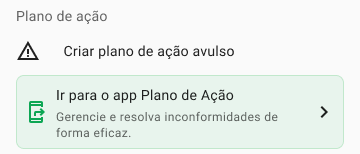
✅ Do you want to know how to create or manage an Action Plan? Access this page and find out ➡️Click here⬅️
Location and routes
*Additional module: consult a specialist.
Below, in Location and Routes you can start the route. It means users who start routes through the app will be visible on the map. To start routes, users must activate the option below, available in the menu:
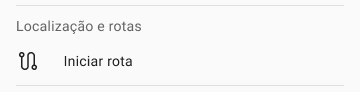
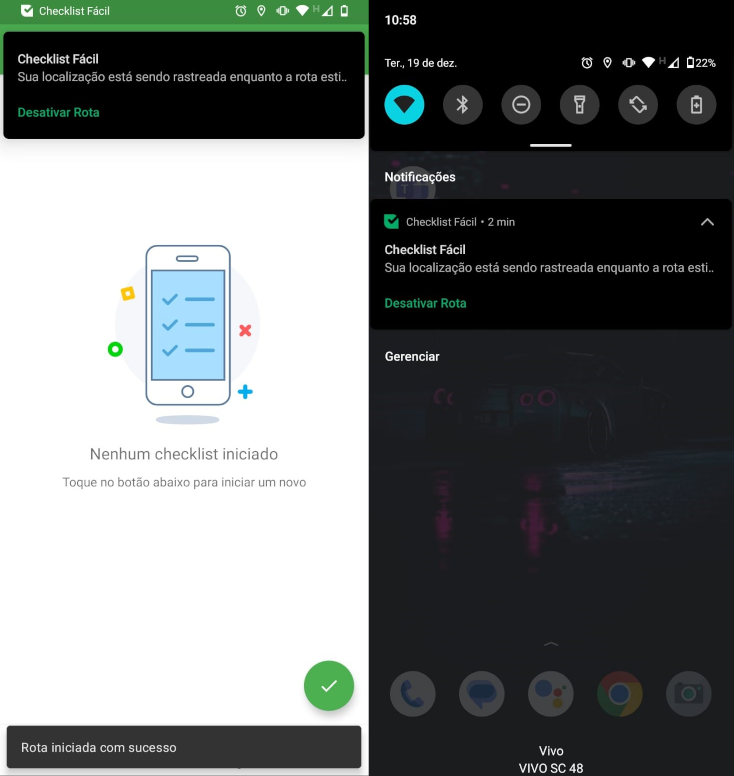
When activating Start Route, the user will receive confirmation notifications:
Sensors
*Additional module: consult a specialist.
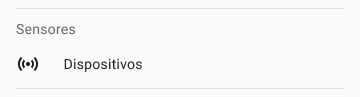
IoT sensors are electronic devices used to detect temperature, humidity, flow, physical movement of objects or people in a specific area, transforming them into an electrical signal and forwarding this information to a central unit.
Checklist Fácil has integration with these devices, allowing corrective actions to be taken easily, based on the reading sensors.
Reports
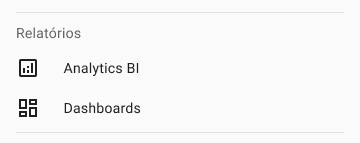
Using the Checklist Fácil platform app, it is also possible for a company admin user to configure the data source, as well as create graphs and dynamic tables for interactive dashboards that can be viewed by other users in the company .
This way, you will be able to carry out more strategic management of all your data.
Help
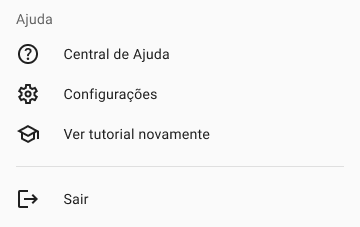
Finally, you will be able to access the following features:
Help center, with several articles on the usability of Checklist Fácil;
Settings, to configure your application;
View the app tutorial at any time.
And you can also disconnect your account from the app itself, using the Logout button.
View by plan
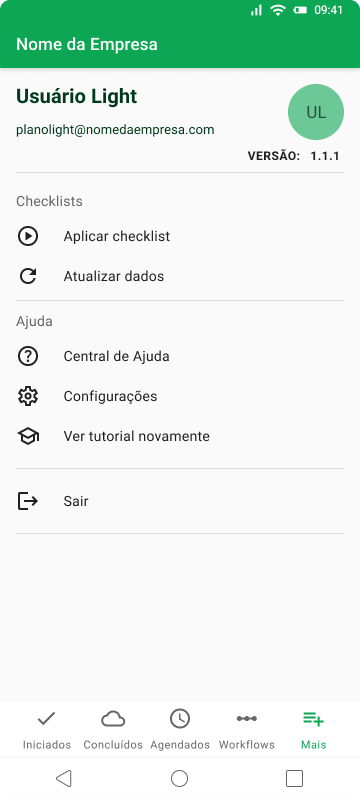
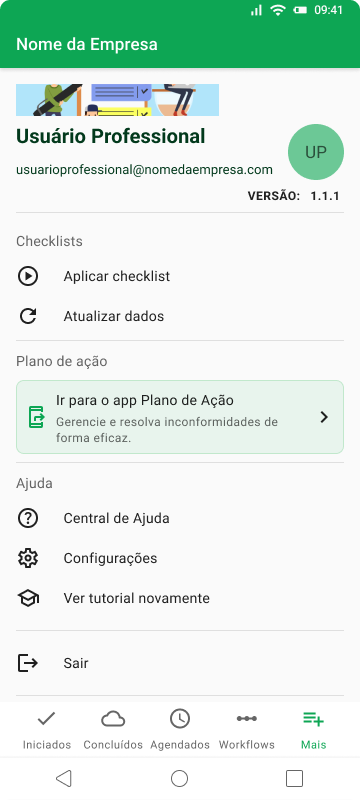
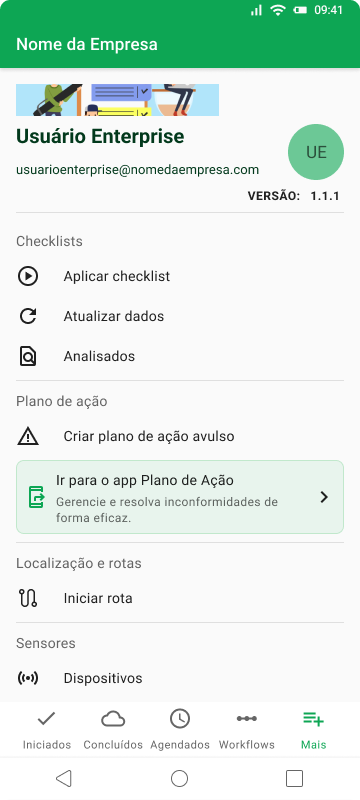
The modules vary depending on the plan you contract. Below, you can check what the Menu More looks like on each plan
Light Plan
Basic Plan
Professional Plan
Enterprise Plan
___________________________________________
Related articles
Do you want to know more about the Checklist Fácil initial settings? Access our related content:
___________________________________________
➡️ Was this article useful? Leave your review!
❓Do you still have questions? Contact us via chat or ticket!
❓Tem dúvidas? Entre em contato com nosso time de suporte.