In Applied Checklists, you can use filters to improve the usability and information provided by your checklist report.
After accessing Applied Checklists, you can find the filter options at the top of the screen:
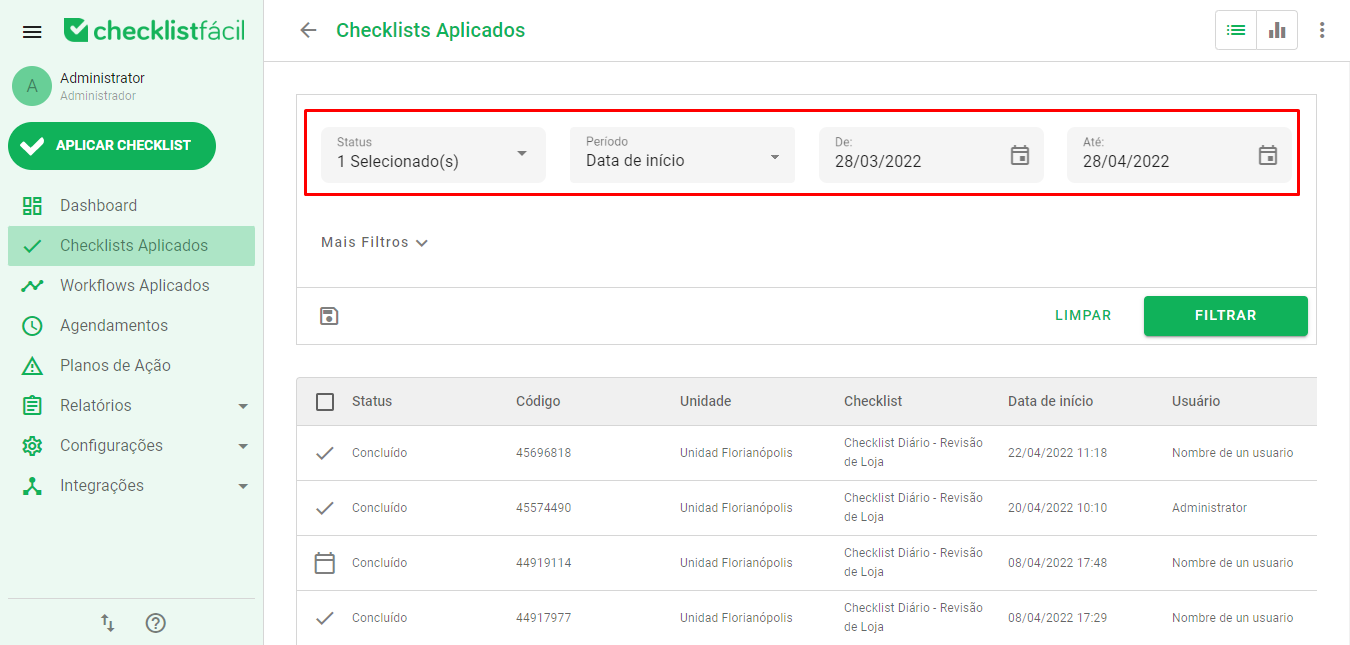
Here, we can set the following parameters:
- Status: Status of the checklist. If it has been applied and synchronized, it will be set to Completed;
- Date Range: What type of date range will be used for the date filter. Start date, for example, will apply the period to the information of when the checklists were started;
- From and To: Start and end dates for your filter.
Once you've set your filter, simply click Filter.
If you want to deepen your search by filtering only a specific questionnaire or by a specific number of Units, you can use More filters:
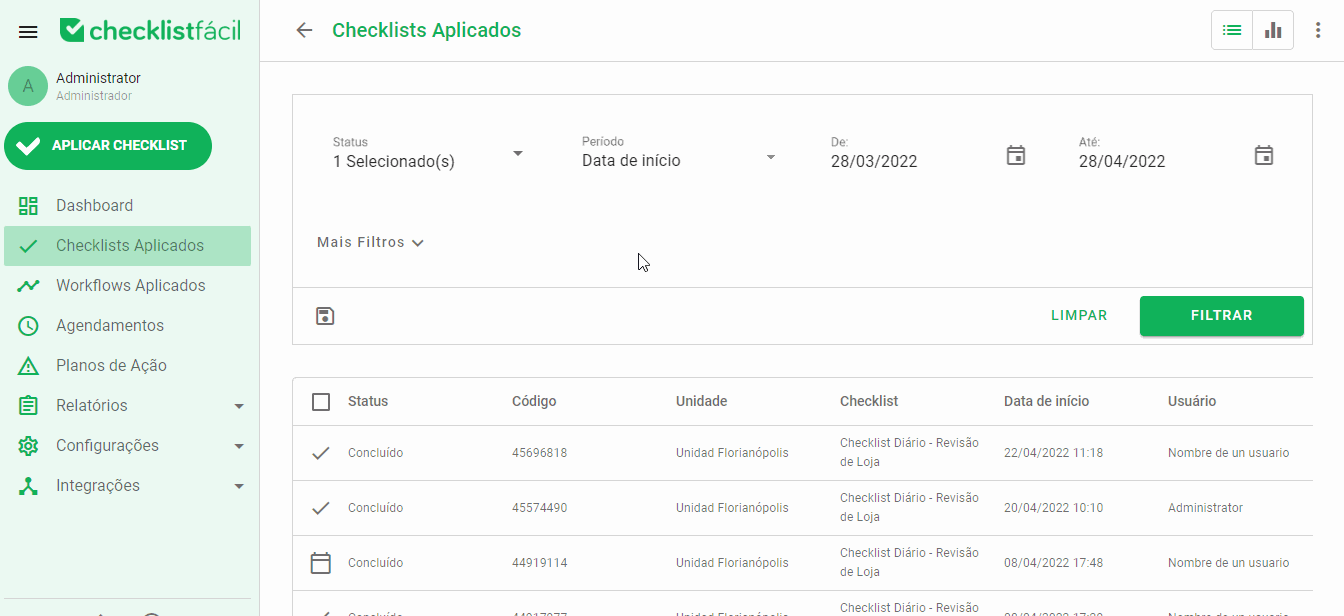
In More Filters, you can define Checklists, Units, Regions/Groups, Users, and other filters to make your query more precise and targeted.
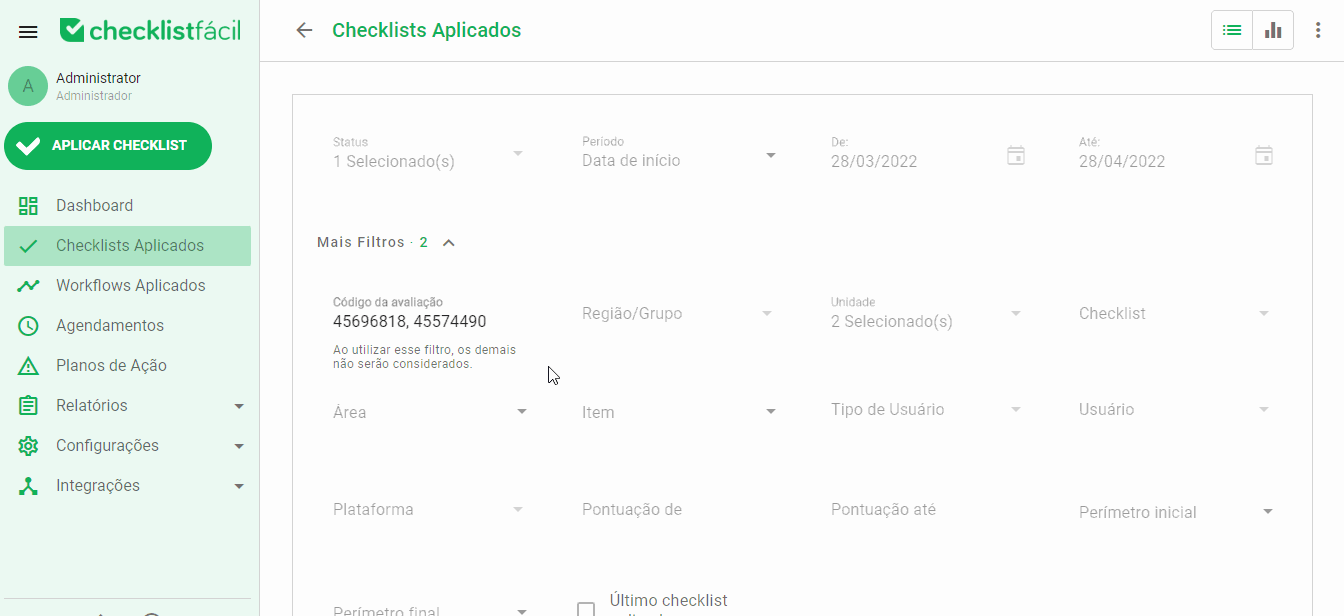
If you know the codes of your Applied Checklists, you can enter them, separated by commas, in Evaluation Code, to present only these results in your query:
➡️ Was this article useful? Leave your review!
❓Do you still have questions? Contact us via chat or ticket!
❓Tem dúvidas? Entre em contato com nosso time de suporte.