App data is the information about your user and their links. Thus, information such as checklists, units and permissions that you have access to is loaded, so that it is possible to apply the checklists.
The app works offline. That is, it is necessary that the app's data is updated constantly. Thus, it will be possible to ensure that you will always have the latest definitions for your user and that you have the list of units, checklists, and updated checklist structure.
To perform the update, just press on the Update button, located at the top right of the app or in the side menu:
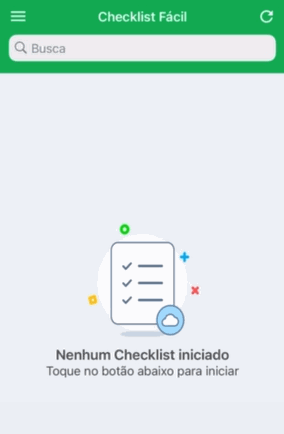
To be able to update the data, there must be no checklist in progress in the app. We recommend first synchronizing all checklists before upgrading. After pressing Update, just wait for the new information to load for your app.
➡️ Was this article useful? Leave your review!
❓Do you still have questions? Contact us via chat or ticket!
❓Tem dúvidas? Entre em contato com nosso time de suporte.