You can now add comments to Action Plans!
That action makes it easier to solve the problem and increase communication between the users involved.
For this functionality are available:
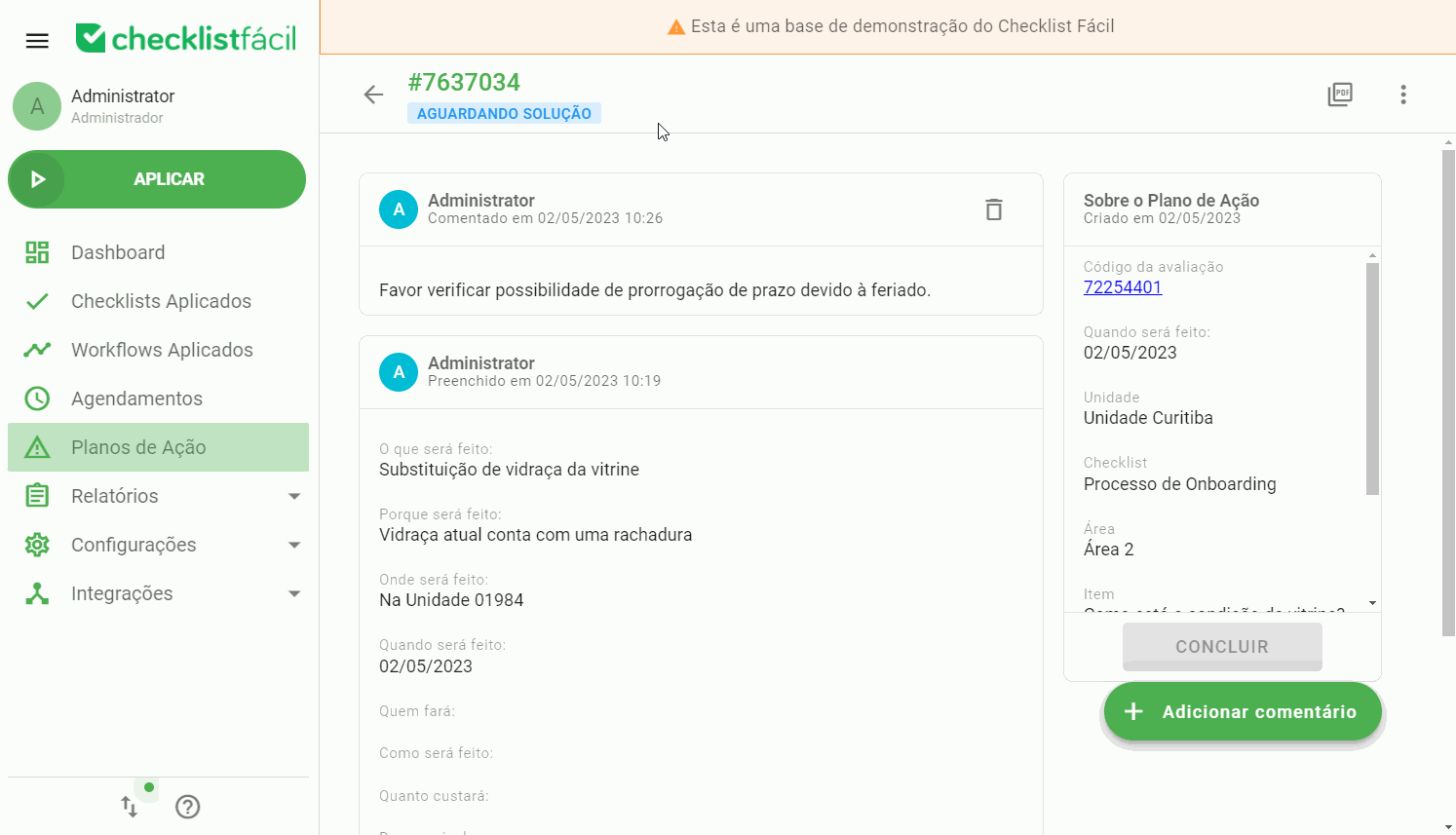
Comments can be entered into action plans with a status other than canceled or completed;
Comments can be deleted by the user who entered the comment and by users with the General Administrator permission.
The functionality is not tied to any permission, that is, the user can insert comments in the action plans that he has access to;
They are displayed in the timeline of the action plan, on the web;
It is not possible to add or view comments in the mobile app (Android and iOS);
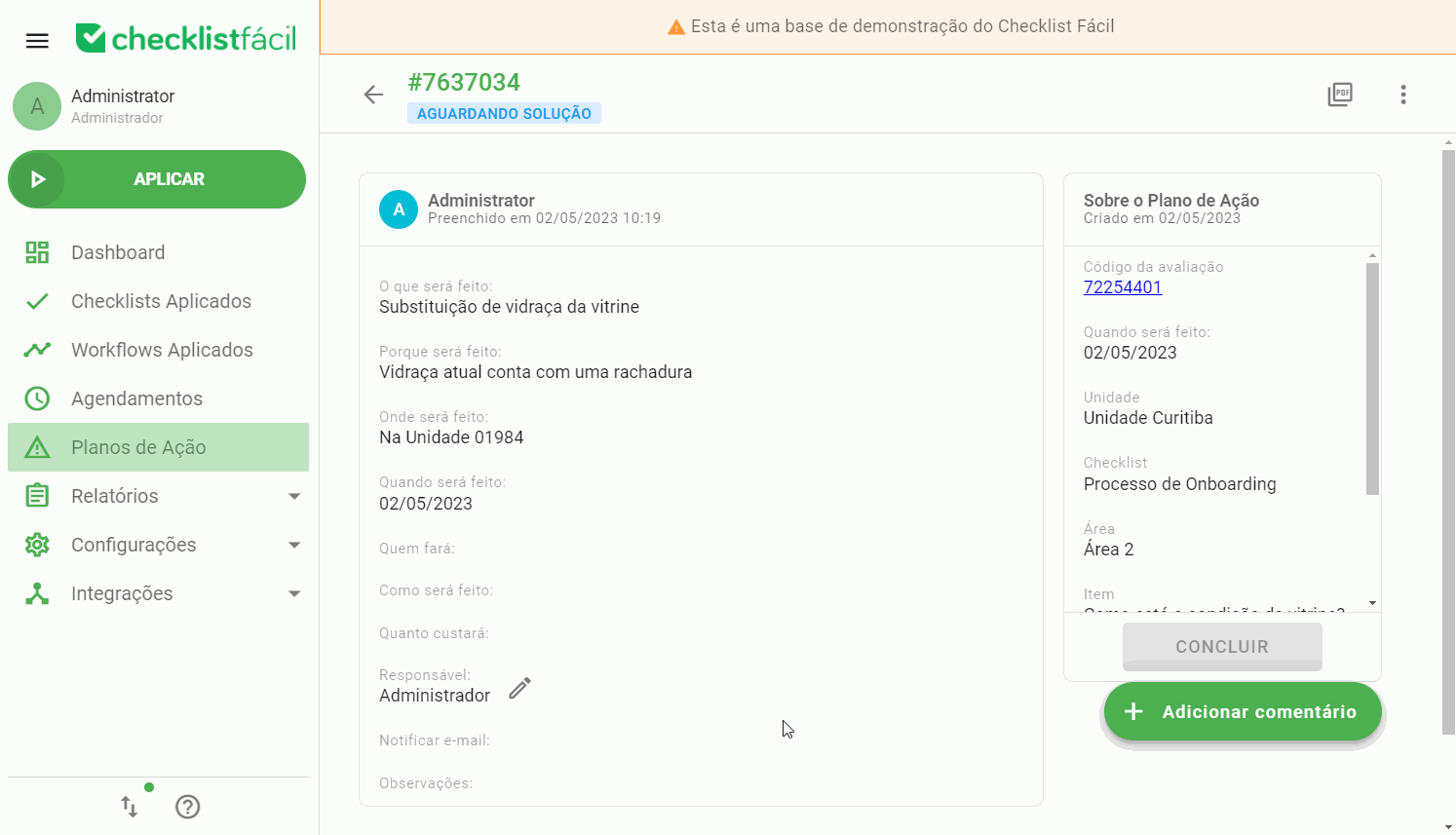
To delete a comment, simply find it in the timeline and click the Delete icon:
Watch our video tutorial to see how to add aSolution in ActionPlan on App
➡️ Was this article useful? Leave your review!
❓Do you still have questions? Contact us via chat or ticket!
❓Tem dúvidas? Entre em contato com nosso time de suporte.